Learn
Tutorials.
Step by step.
Detailed guides with real screenshots of Buildan.app: from your first AI generated site to styling, animation, a store and your own domain.
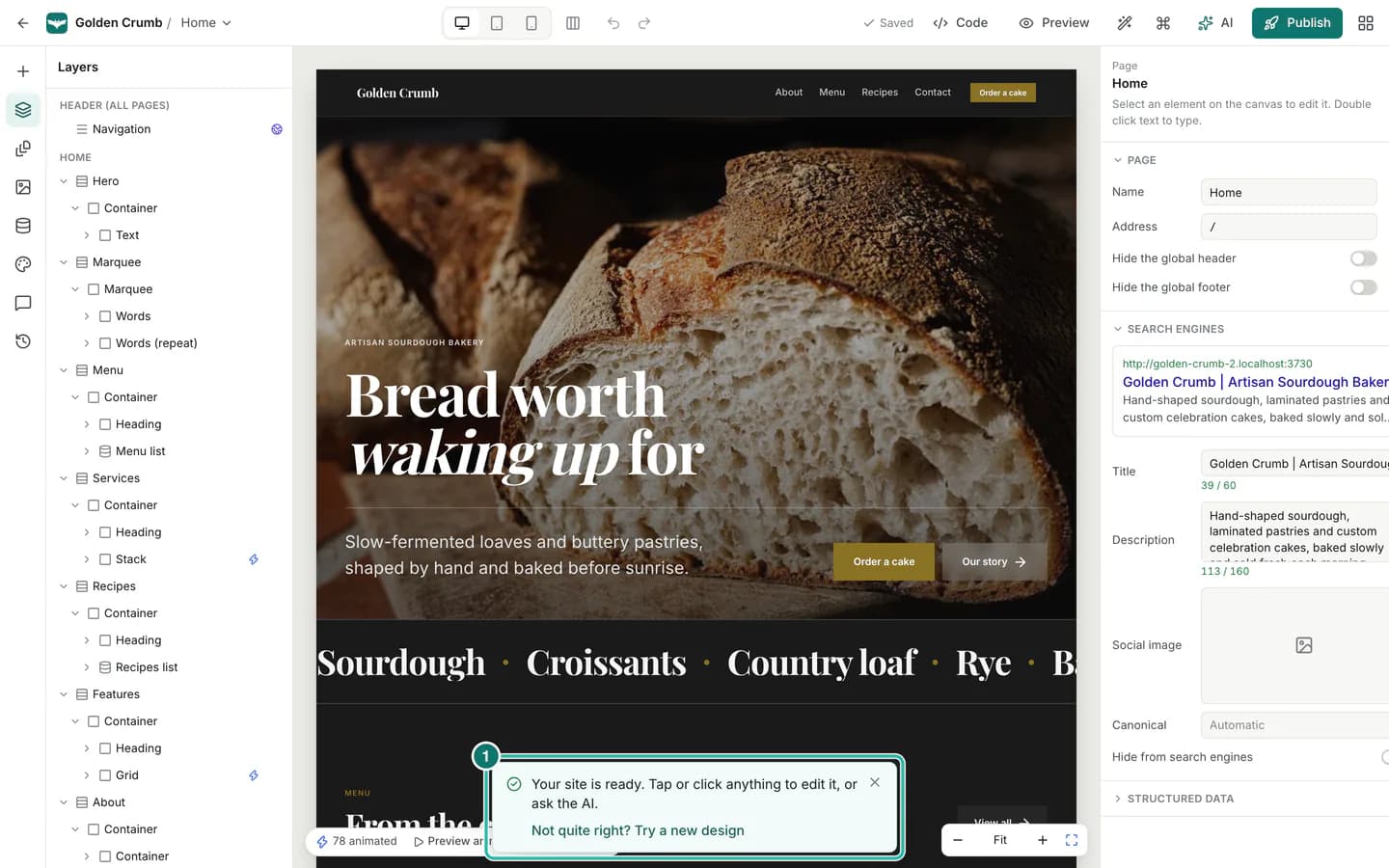
Start here · Getting started · 7 min read
Create your first website with AI in 5 minutes
Describe your business in a few sentences, pick a style or let AI choose, and Buildan.app builds a complete, editable website you can review before anything goes live.
Read the tutorialAll tutorials
14 tutorials shown
Getting started8 min read
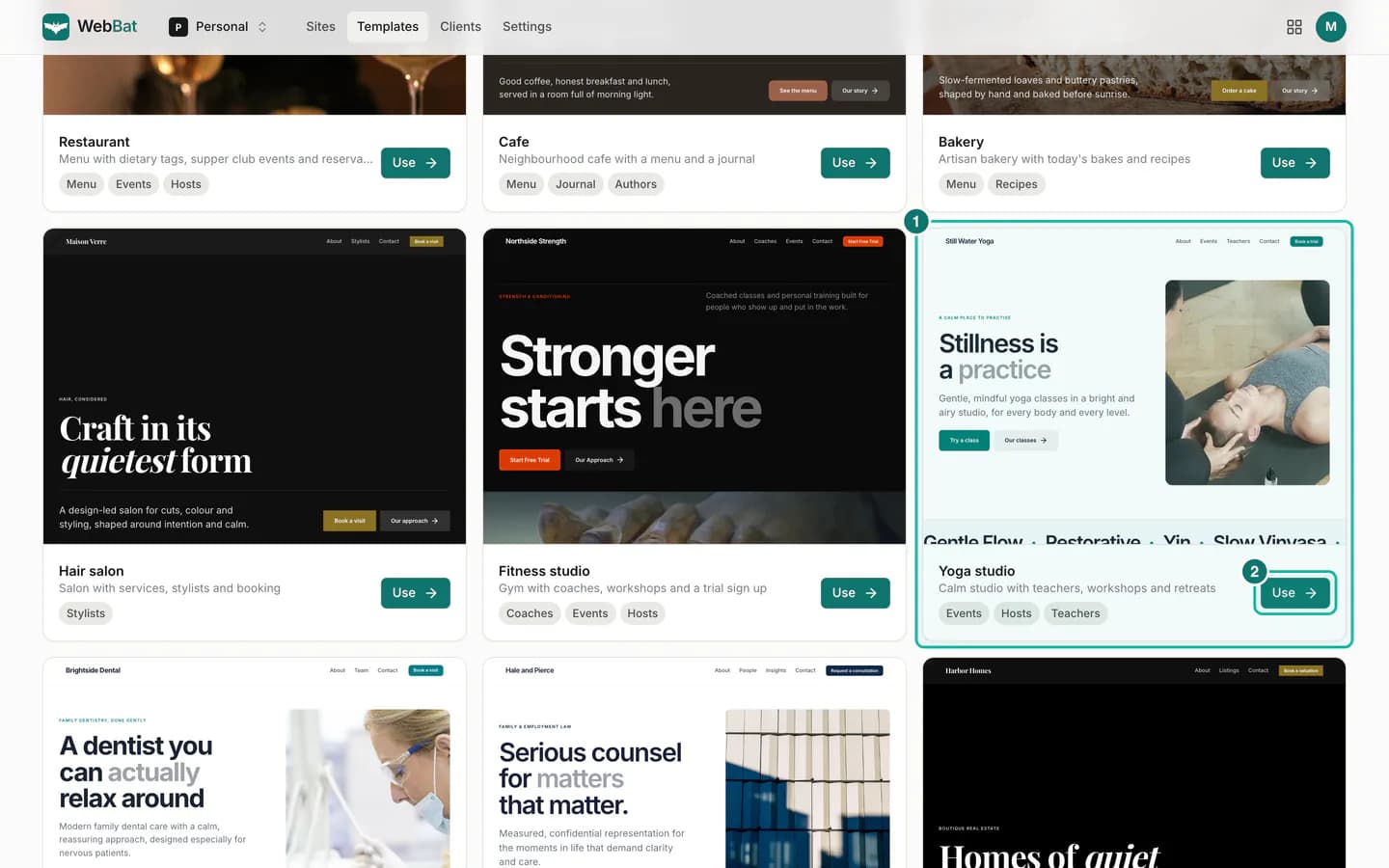
Start from a template, or a blank page, and build by hand
Pick a complete template with real photos and ready made content collections, or start from a blank page and build your site section by section in the visual editor.
Read the tutorial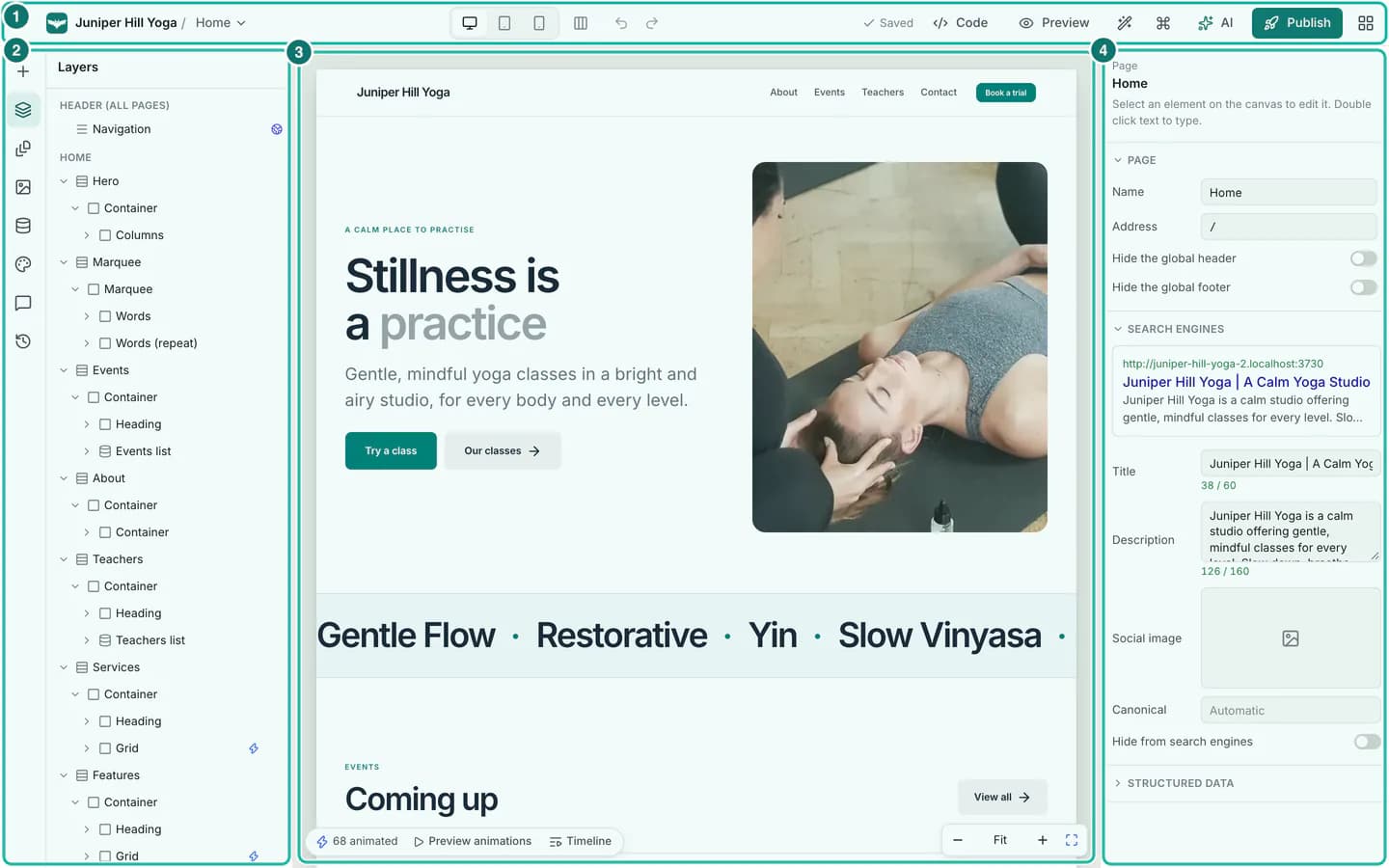
Getting started8 min read
The editor tour: canvas, panels, inspector and shortcuts
A guided tour of the Buildan.app editor. Learn the top bar, the left rail panels, the inspector, breakpoints, the command palette, right click menus and the keyboard shortcuts that make editing fast.
Read the tutorial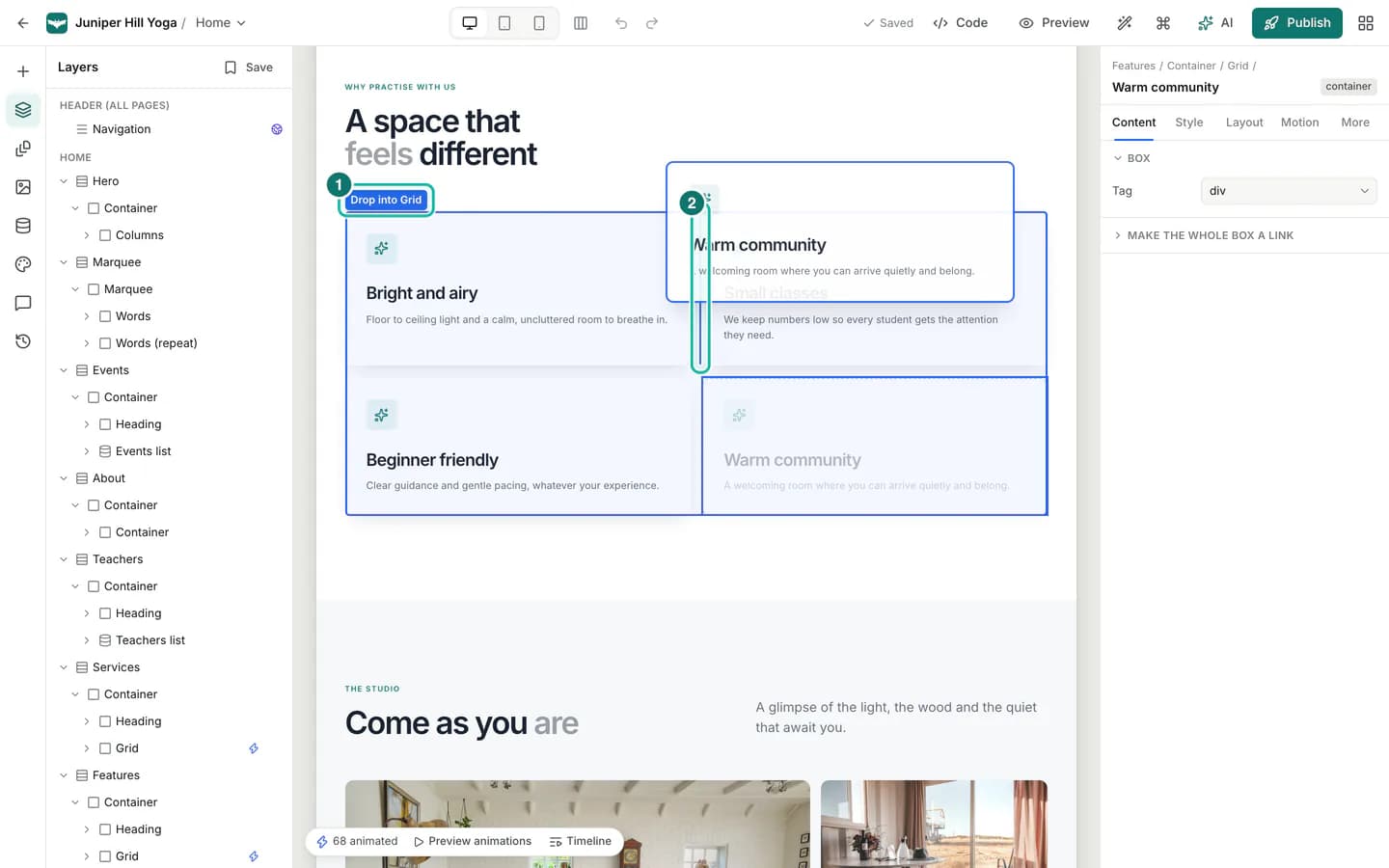
Getting started7 min read
Drag, drop, resize and align on the canvas
Move elements by dragging them, reorder sections in the layers panel, resize images and columns from their edges, adjust padding and gaps with handles, and align several elements at once.
Read the tutorial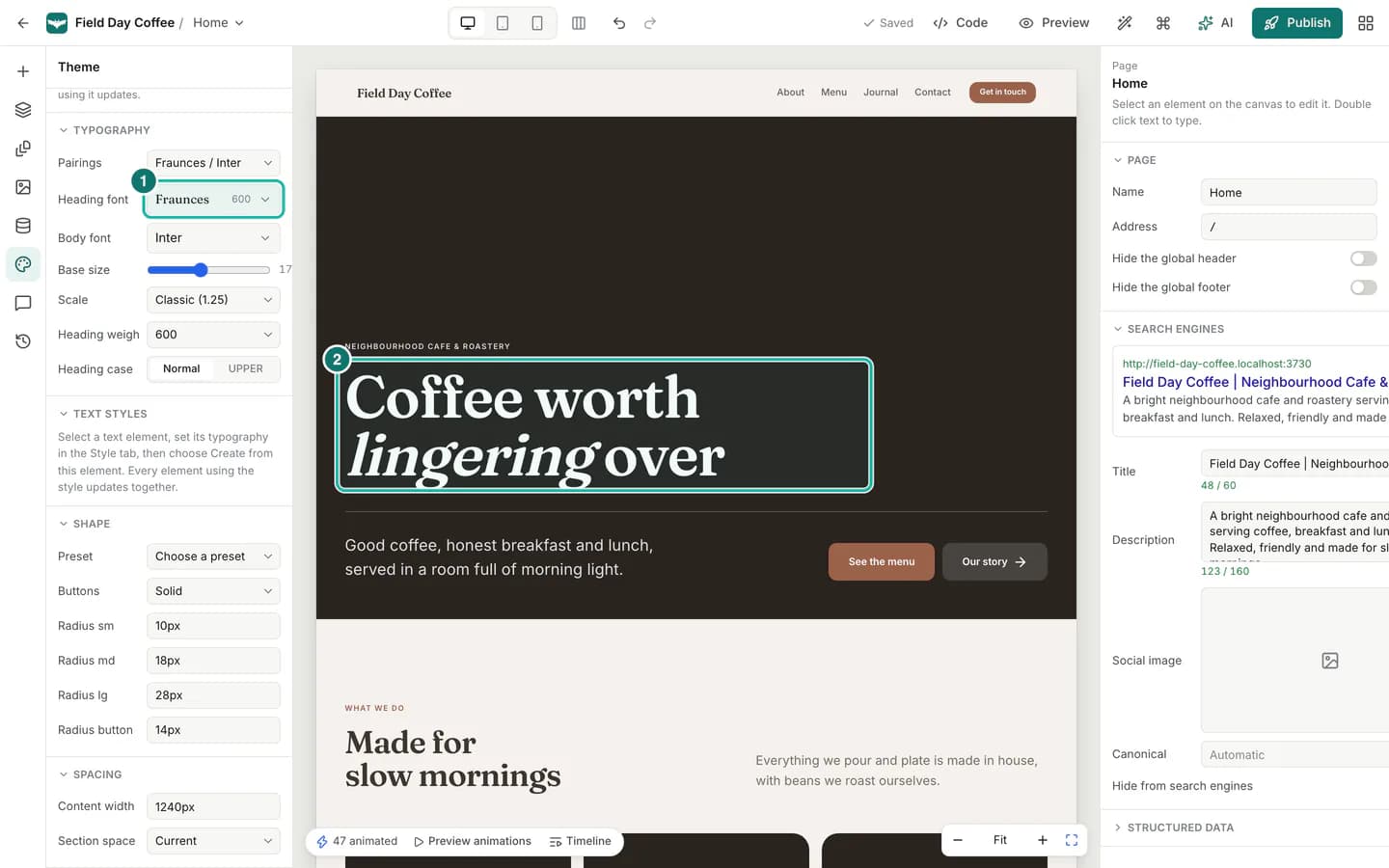
Design9 min read
Style your site with themes, colours and fonts
Restyle a whole site in one step from the style library, set theme colours, pick any Google Font or upload your own, and keep everything consistent with colour and text styles.
Read the tutorial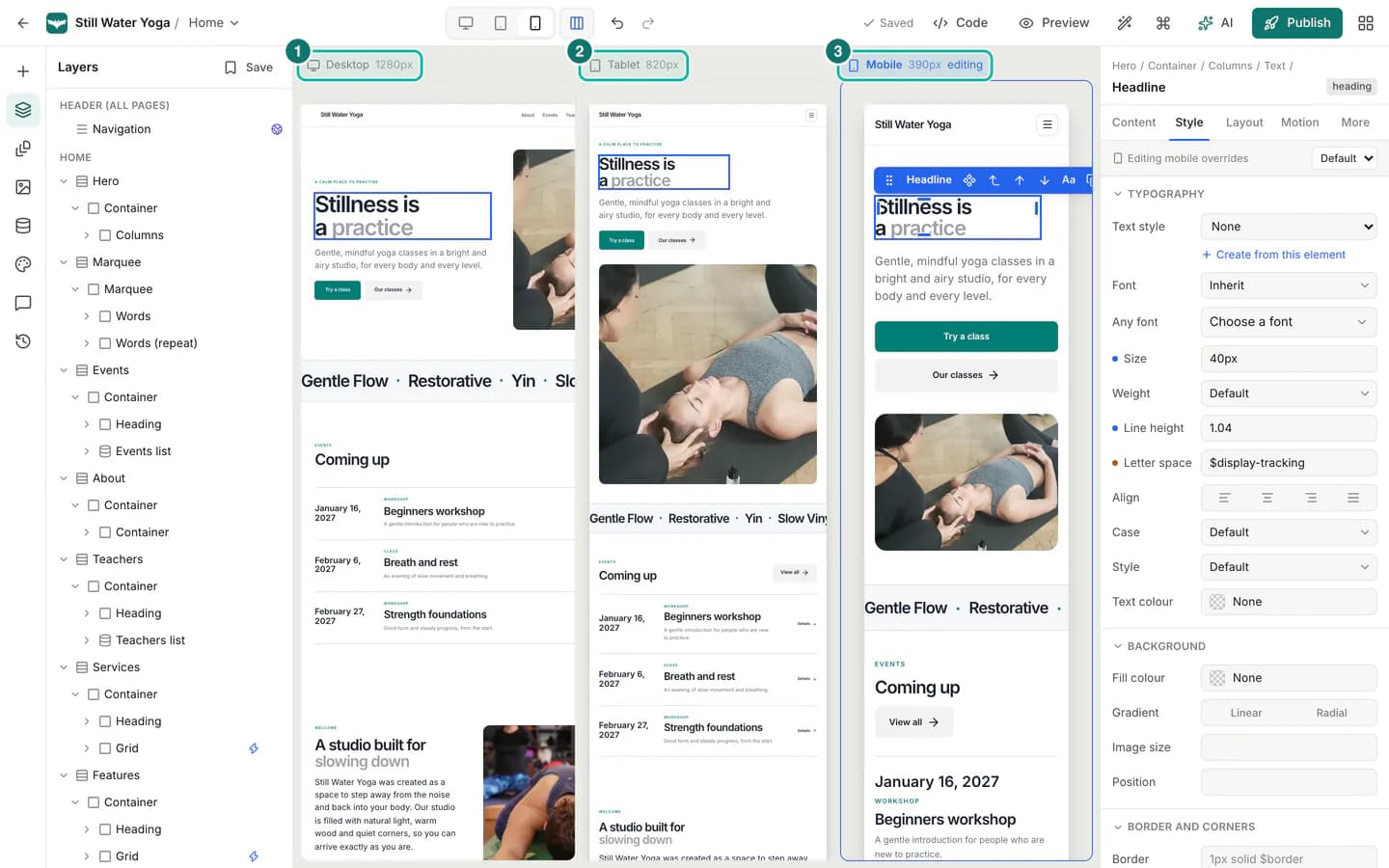
Design7 min read
Responsive design for tablets and phones
Check and adjust your site for tablet and phone screens with Buildan.app's breakpoints, per breakpoint styles, a side by side view of every screen size, and per device visibility.
Read the tutorial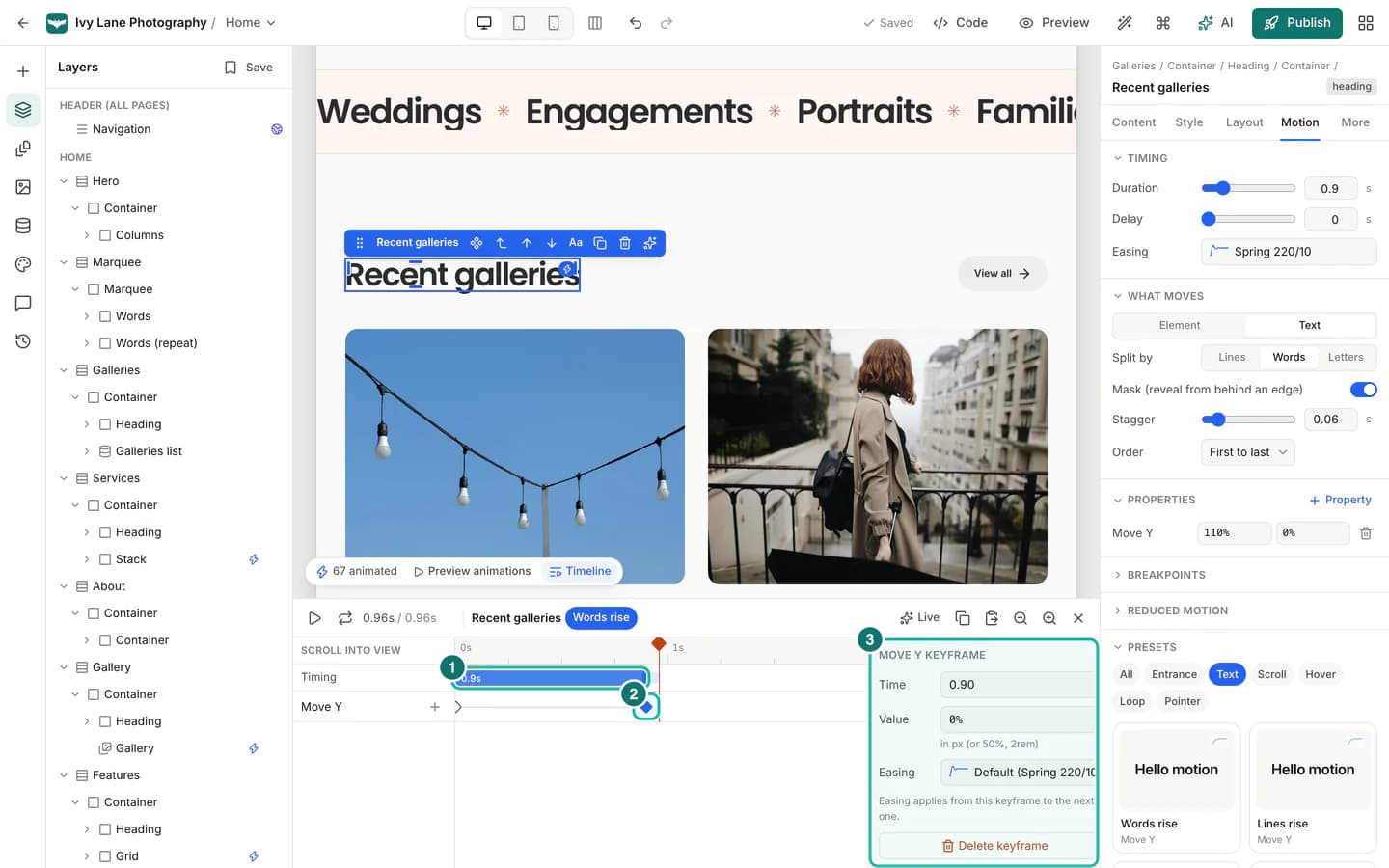
Design8 min read
Add animation and motion to your site
Use Buildan.app's motion presets, triggers, timeline, springs and staggered text reveals to add tasteful animation that also respects visitors who prefer less motion.
Read the tutorial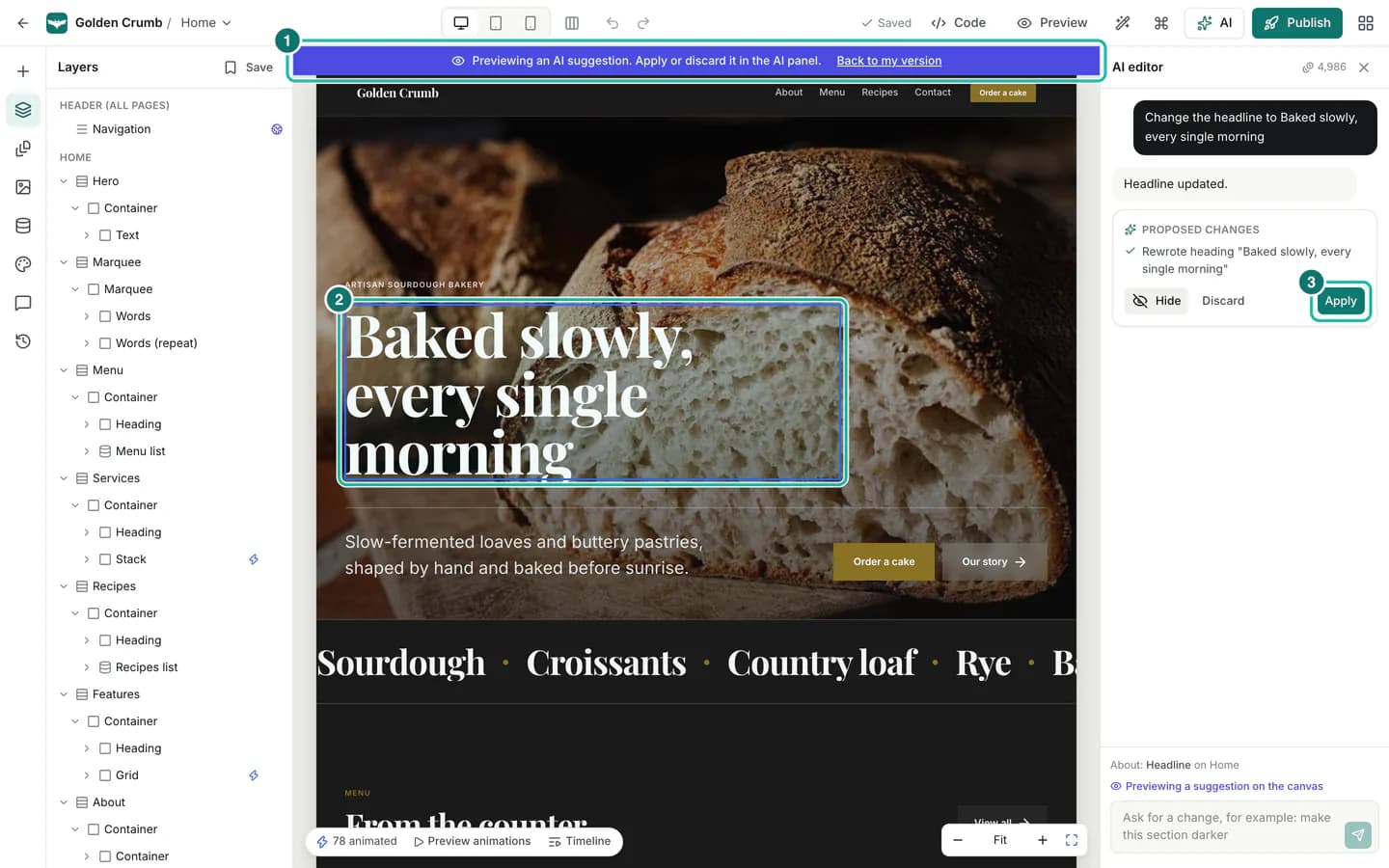
AI7 min read
Ask AI to edit your site, and try a new design
Describe a change in plain words, preview exactly what the AI proposes, then apply or discard it. Or get complete alternative designs of your site and keep the one you like.
Read the tutorial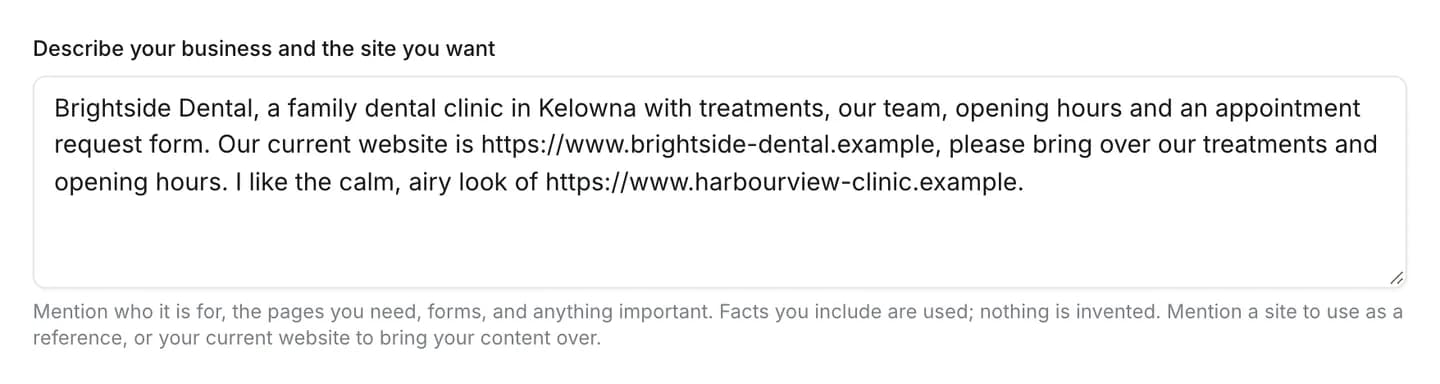
AI7 min read
Use a reference website, or bring over your existing site
Mention a website you like and Buildan.app uses its style as inspiration, or mention your current website and your real content comes over. Here is how it works, and what it never copies.
Read the tutorial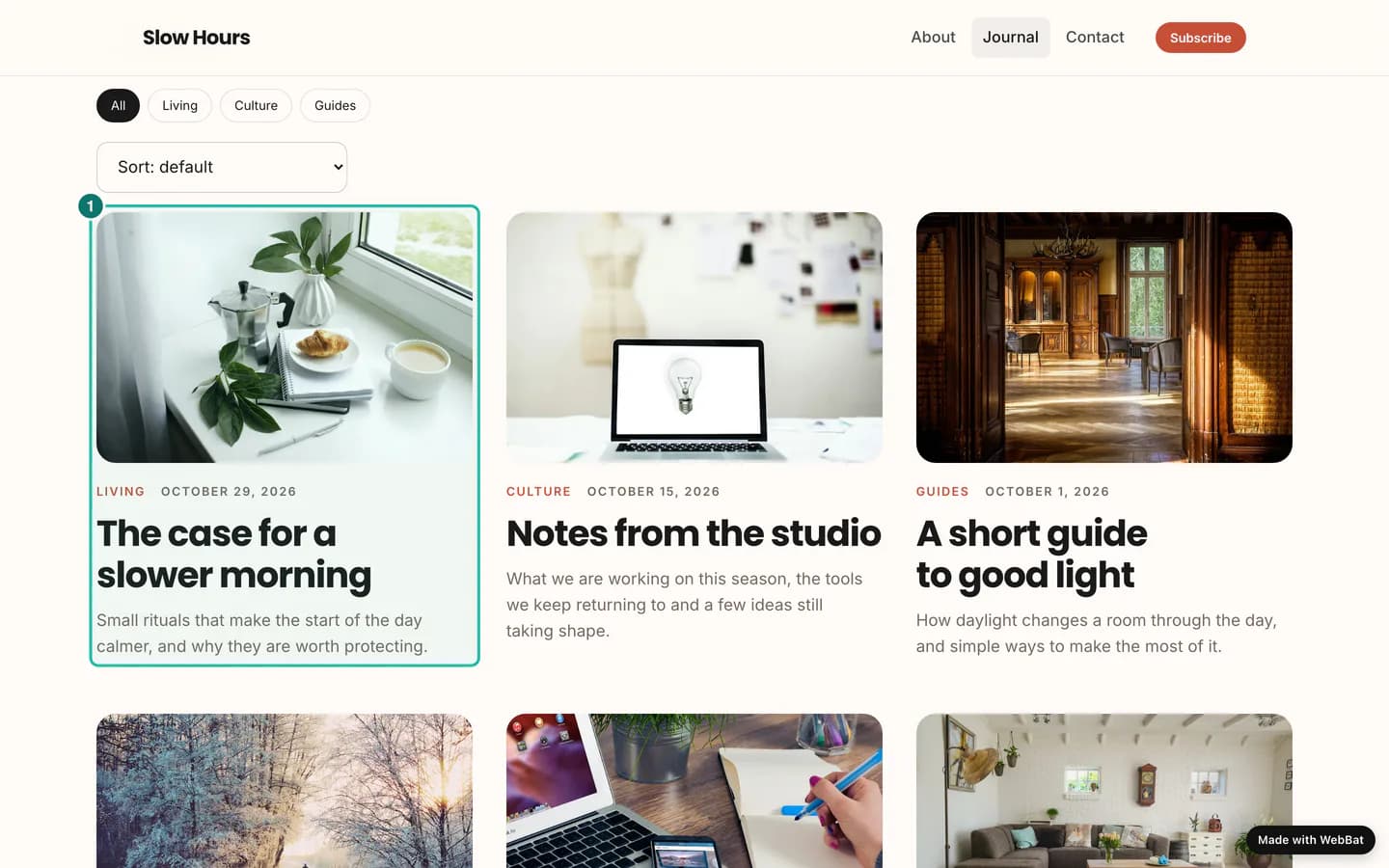
Content and data8 min read
Run a blog with CMS collections
Store posts, events, team members or anything you repeat in a CMS collection, and Buildan.app sets up the list page, the item pages, the nav link, the RSS feed, search and the sitemap for you.
Read the tutorial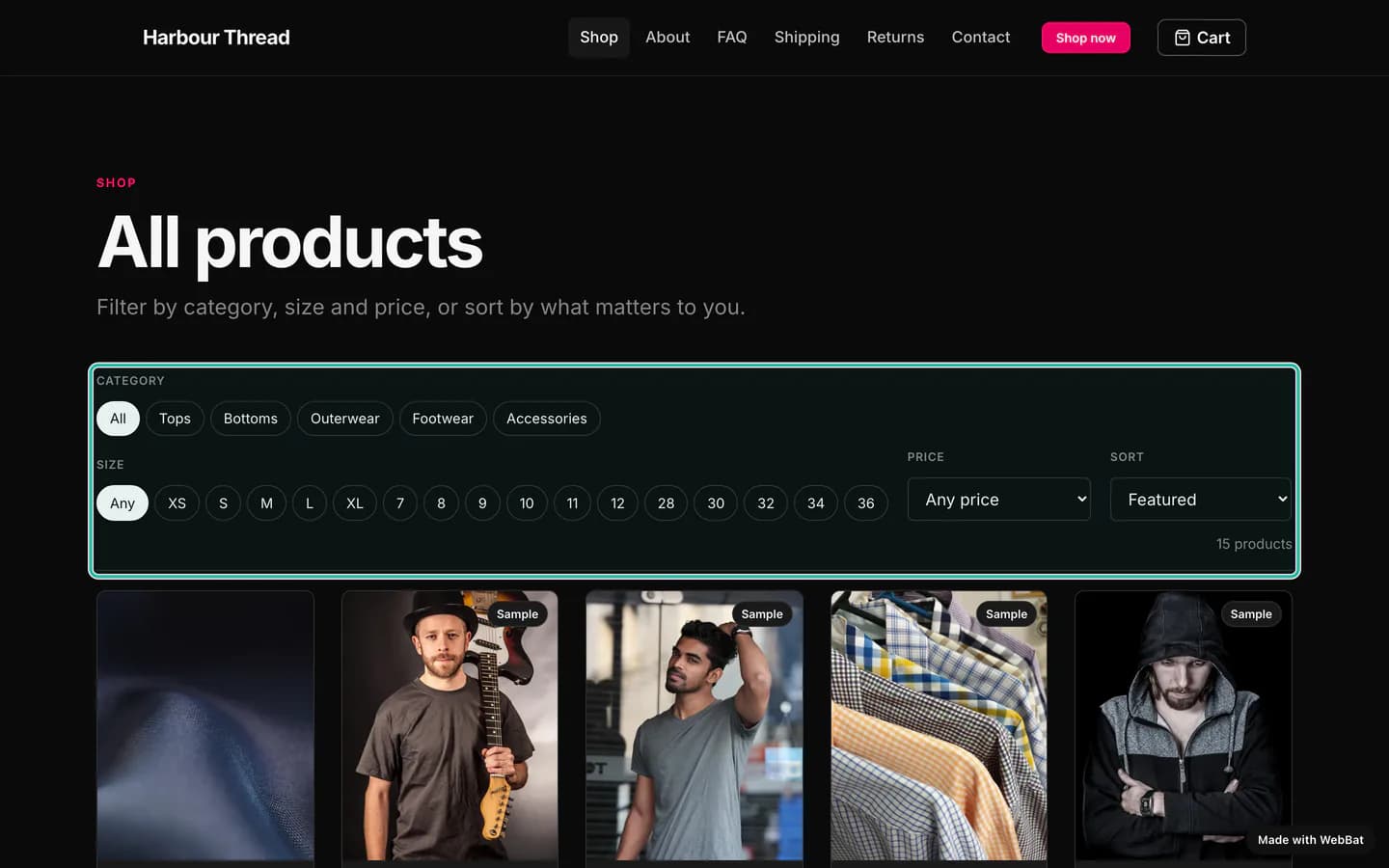
Commerce8 min read
Sell online with the ShopMart template
Open a working online store in an afternoon. Start from ShopMart, connect Stripe, add products with sizes and stock, and handle orders, fulfilment and refunds from one place.
Read the tutorial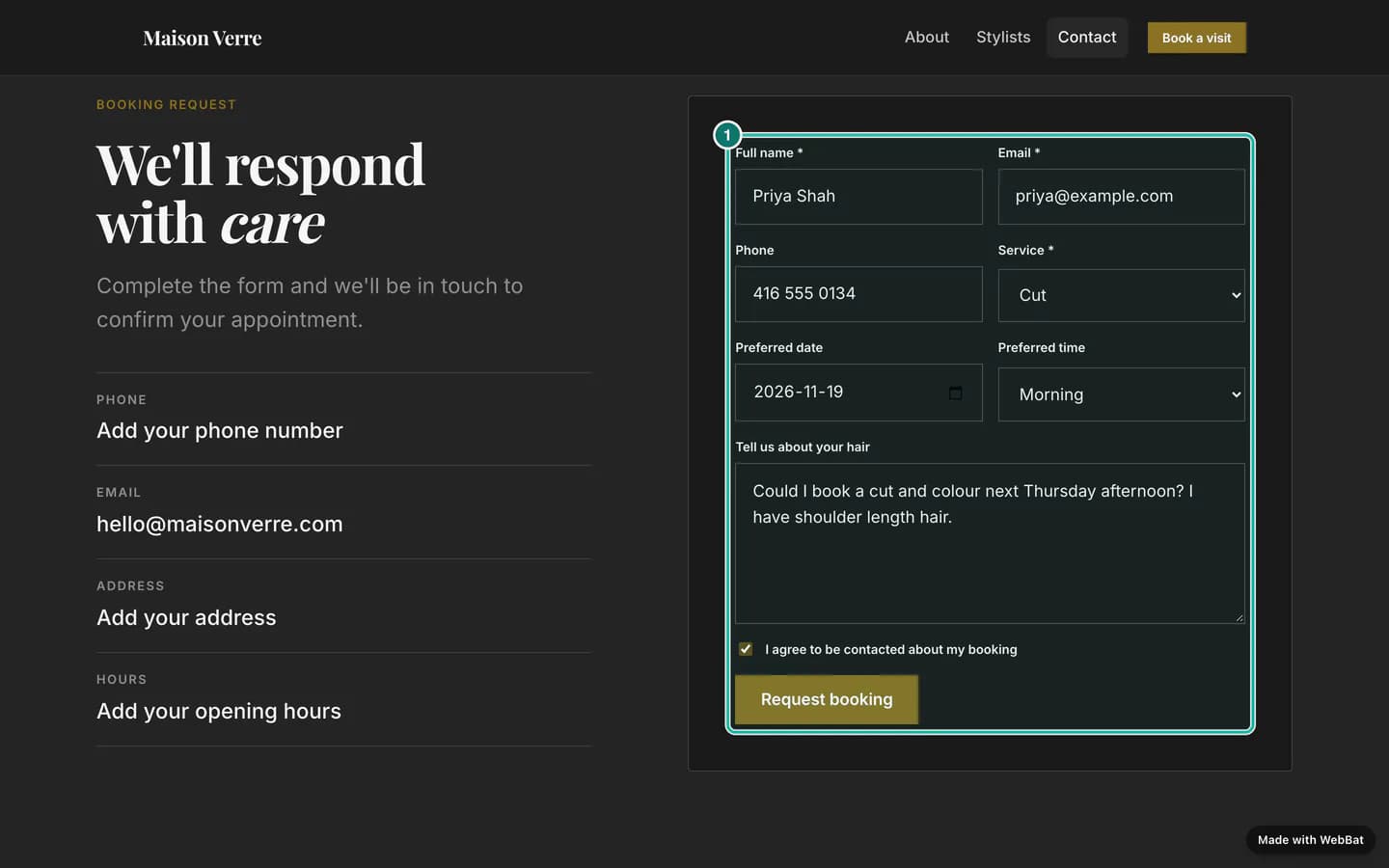
Content and data8 min read
Forms, email and workflows in the Backend tab
Build a booking or contact form, read every submission in the forms inbox, send branded emails, and automate what happens next with workflows, all without code.
Read the tutorial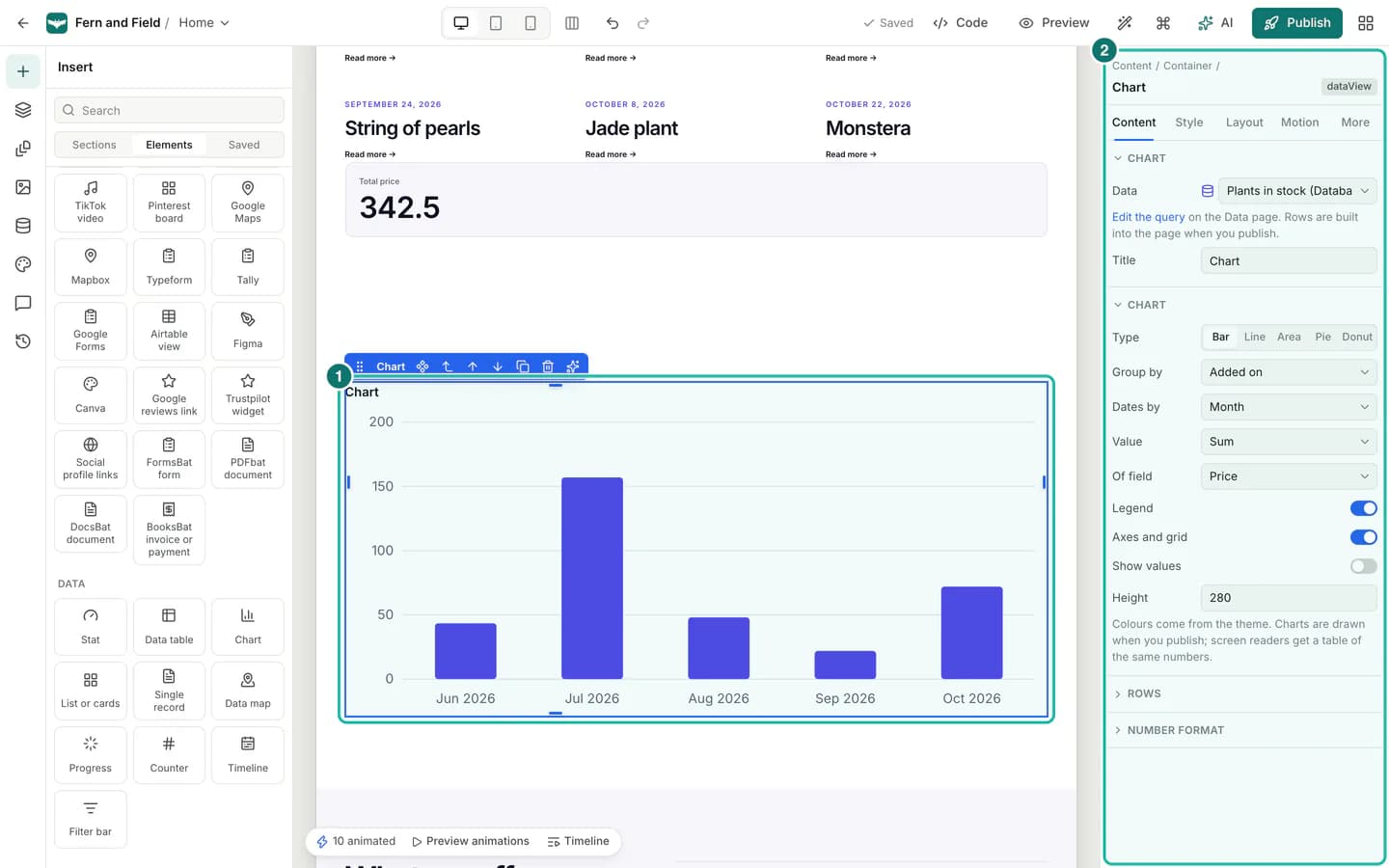
Content and data7 min read
Connect a database and show your data
Connect PostgreSQL, MySQL, MongoDB, Airtable, Google Sheets and more, pick the rows to show with a dataset, and put them on your pages as cards, tables, charts and stats.
Read the tutorial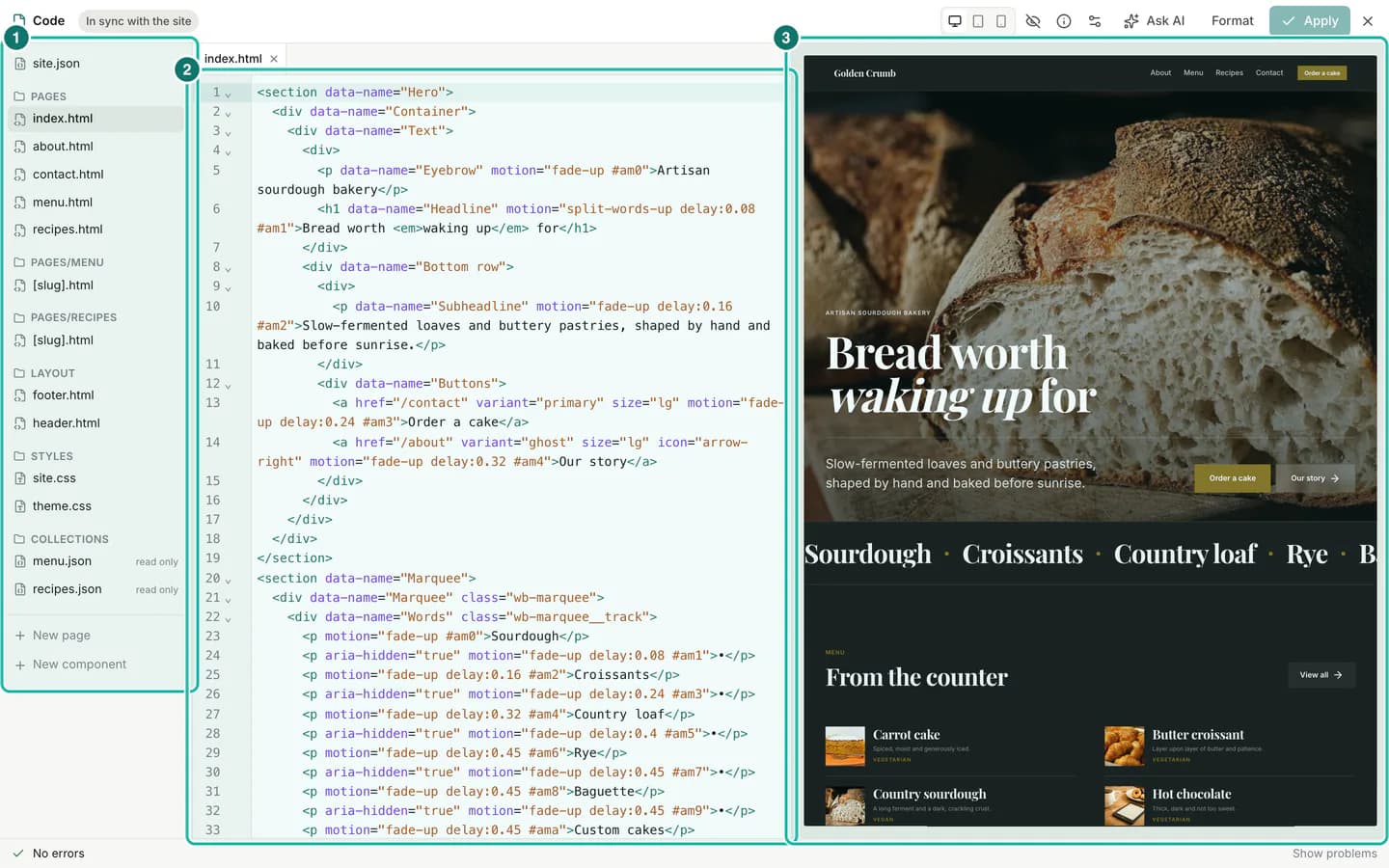
Code7 min read
Edit your whole site as HTML and CSS in code mode
Open any Buildan.app site as plain HTML and CSS files, edit with a live preview, apply your changes in one undo step, and let AI write code for you. It works on a phone too.
Read the tutorial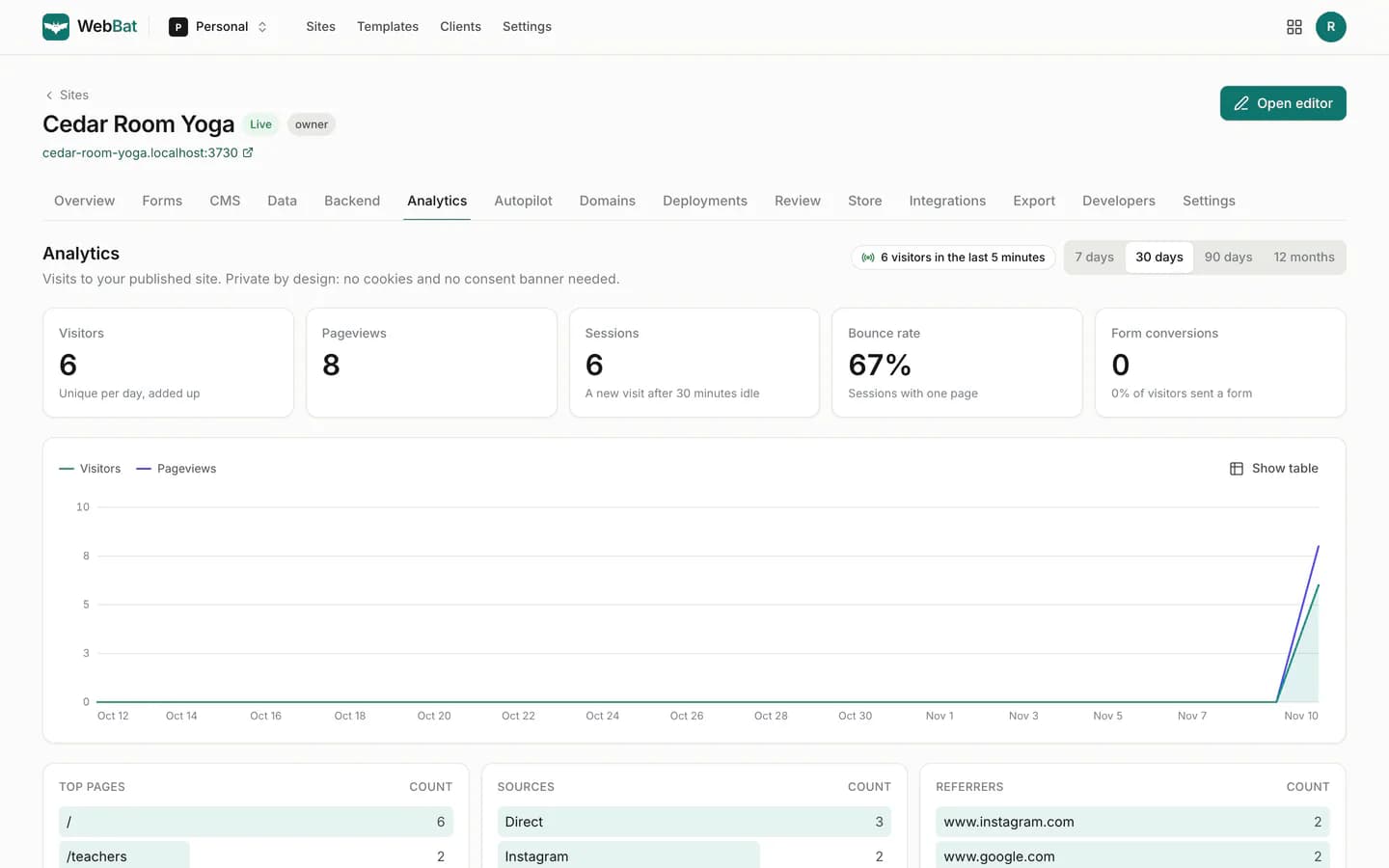
Publishing8 min read
Publish your site, connect a domain, and track visits
Go live on your free address, schedule a launch, roll back with one click, connect your own domain, set up SEO and read privacy friendly analytics.
Read the tutorialTry it now.
Follow along in your own account. Buildan.app is free to start: describe your business, or begin from a template or a blank page.