Features
Two ways to build.
One editor.
Describe your business and let AI build the site, or build it yourself from a blank page or a template. Either way you work in the same real editor, Buildan.app understands everything you change, and the site can grow into a store or an app without moving.

Build it with AI
A real editor,
with AI beside you.
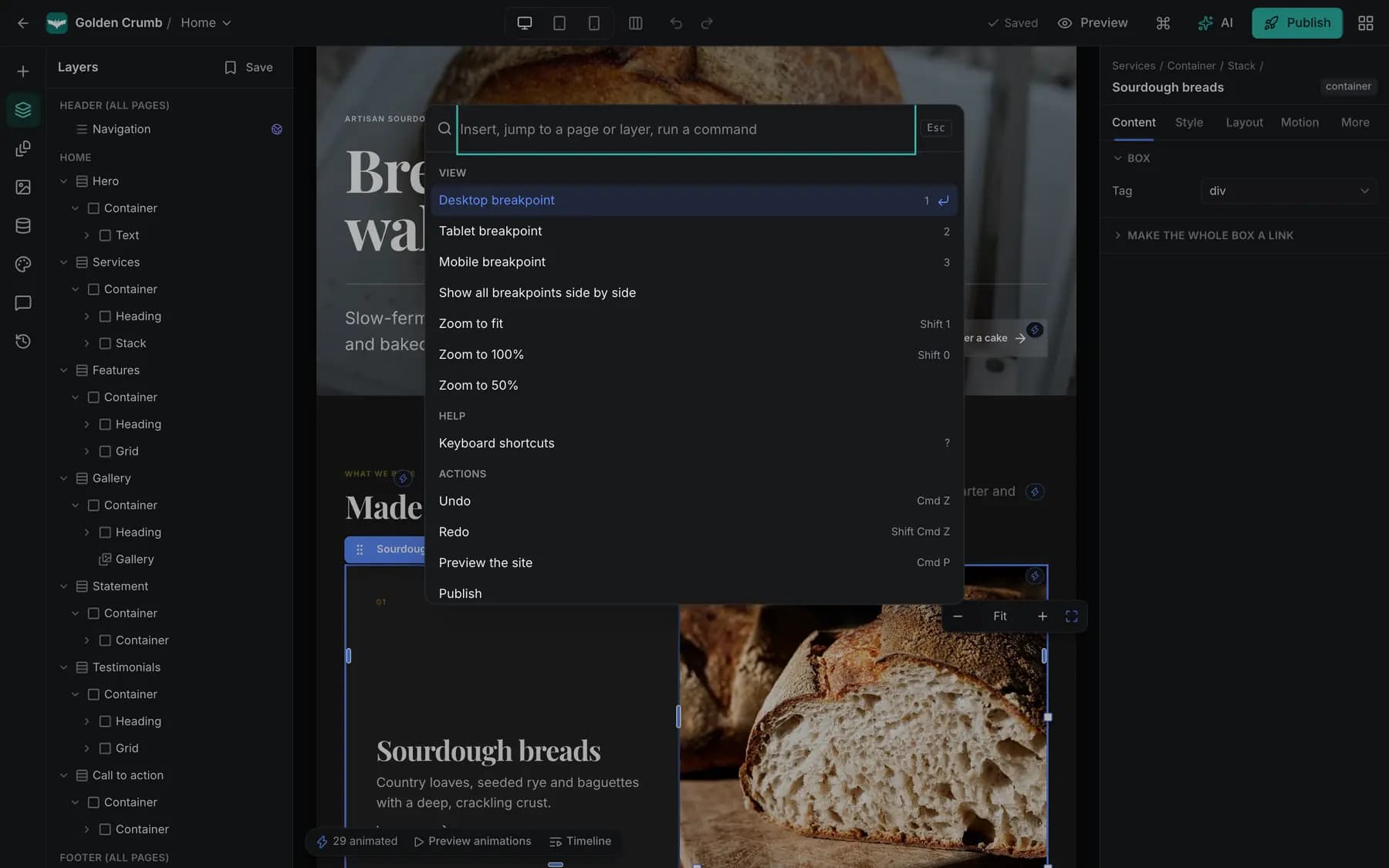
Everything the AI creates is real, editable structure: sections, text, images and forms you can change by clicking, by asking, or both.
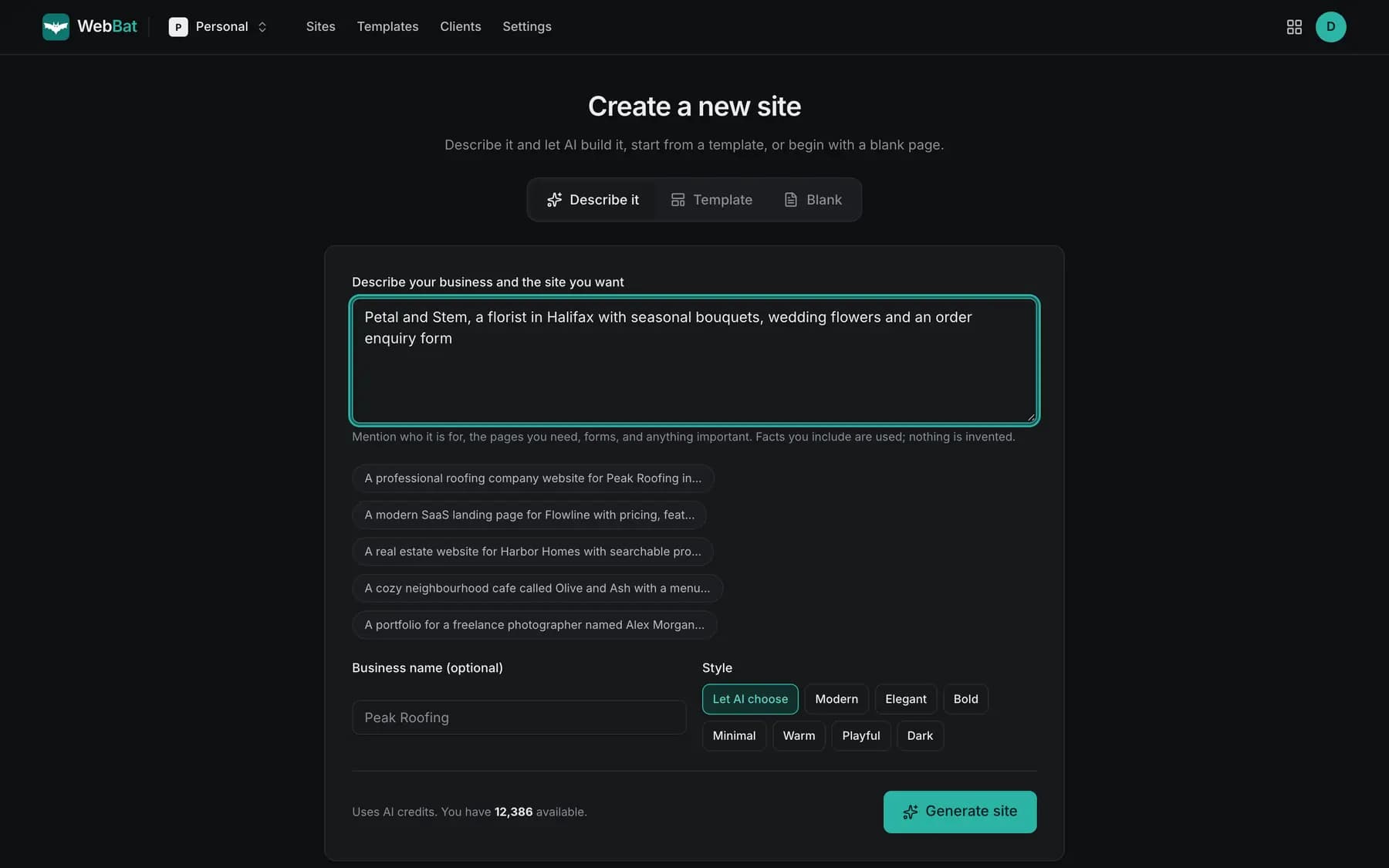
Describe your business. AI studies well designed sites in your industry, plans the sitemap, writes every page, sets colours and type, and adds the forms, collections and SEO that kind of business needs.
Build it yourself
Rather do it by hand? It is a real builder.
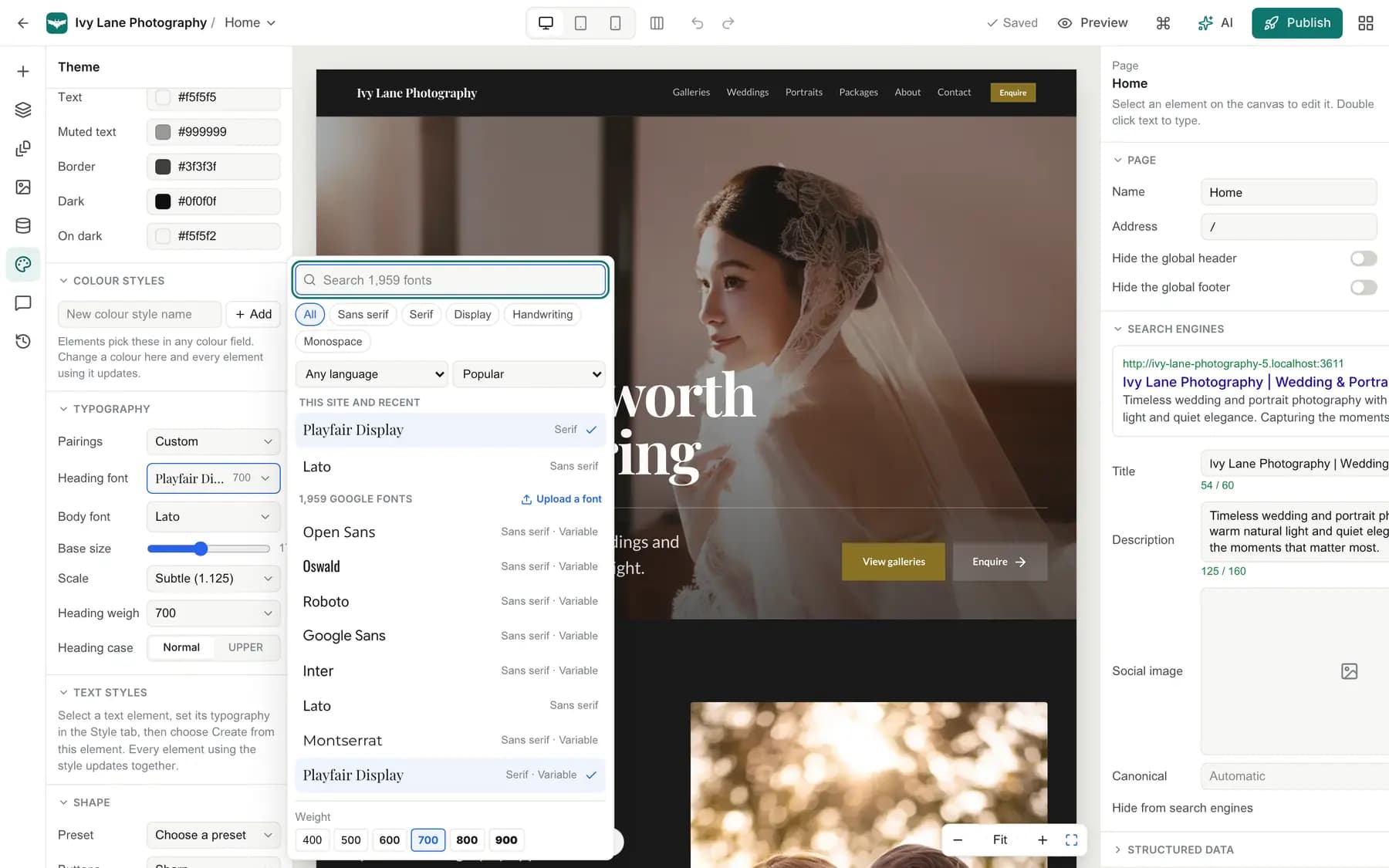
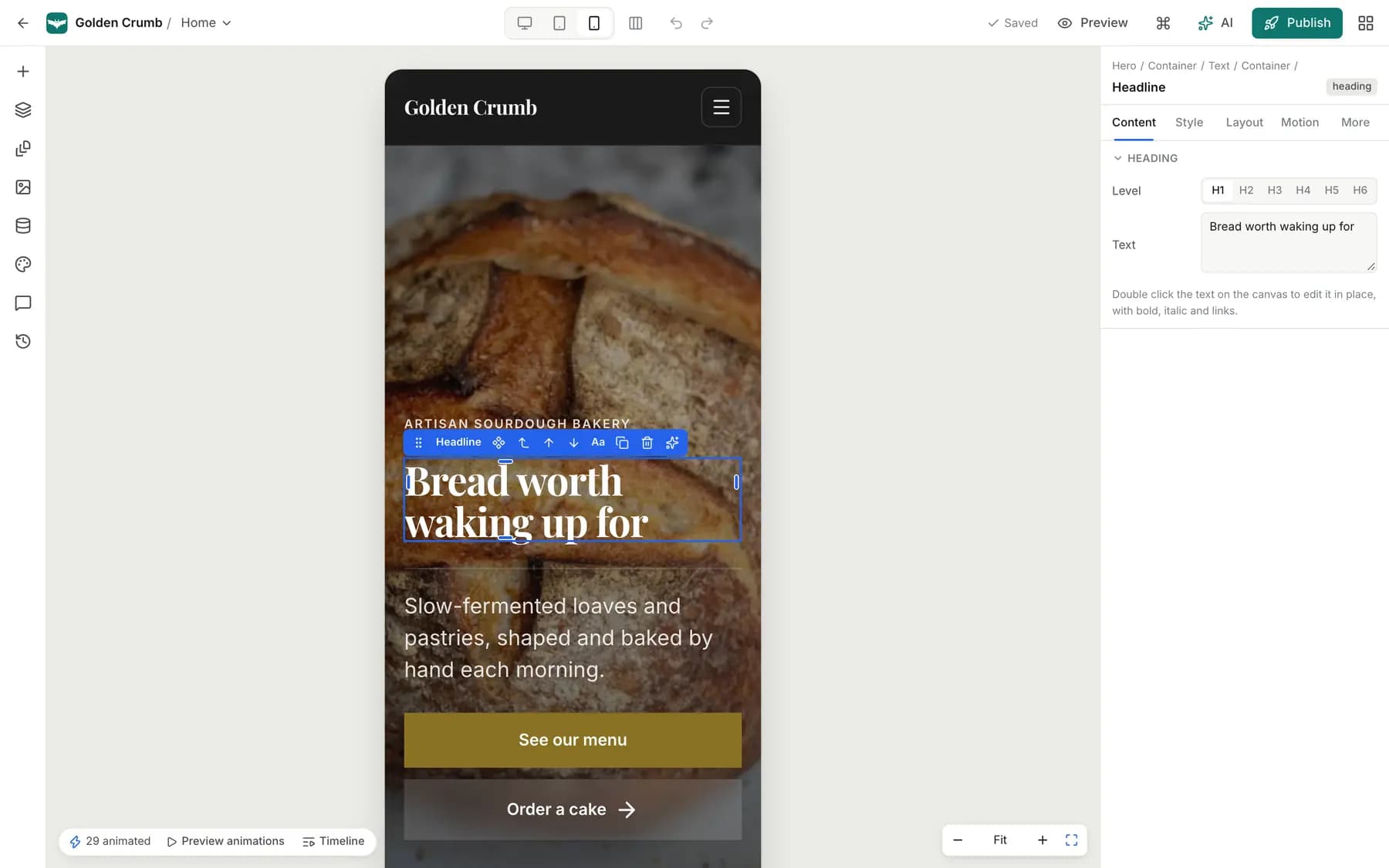
Everything AI can do, you can do yourself in the same editor: drag and drop sections, edit in place, style each breakpoint. Building by hand never uses AI credits.
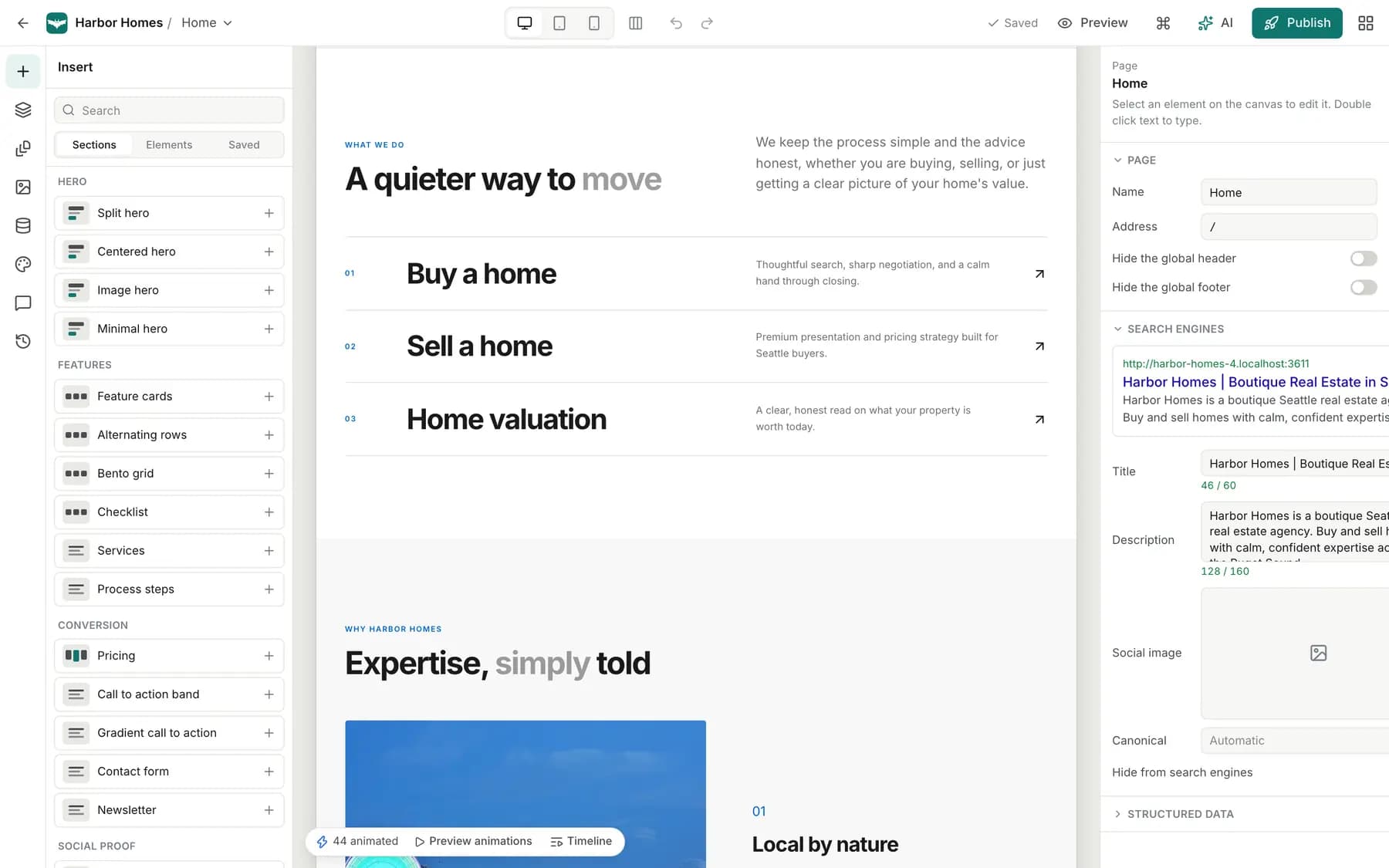
Heroes, features, galleries, pricing, forms and more. Drop them in, reorder them, and fill them with your words.
After launch
Run the business on it.
The site is the start. Every request, order and booking arrives in one dashboard, and the same editor grows the site into a store or an app when you are ready.
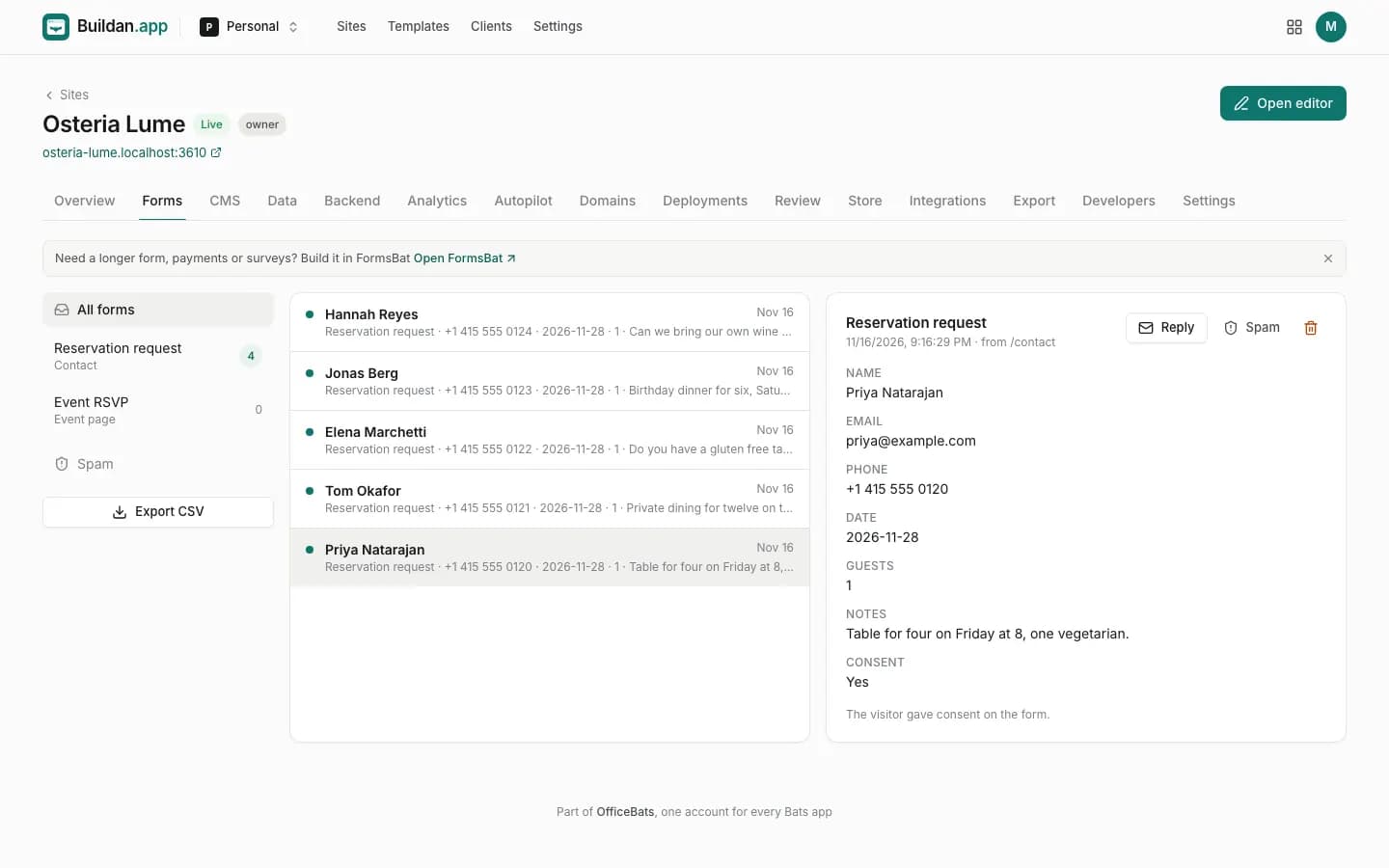
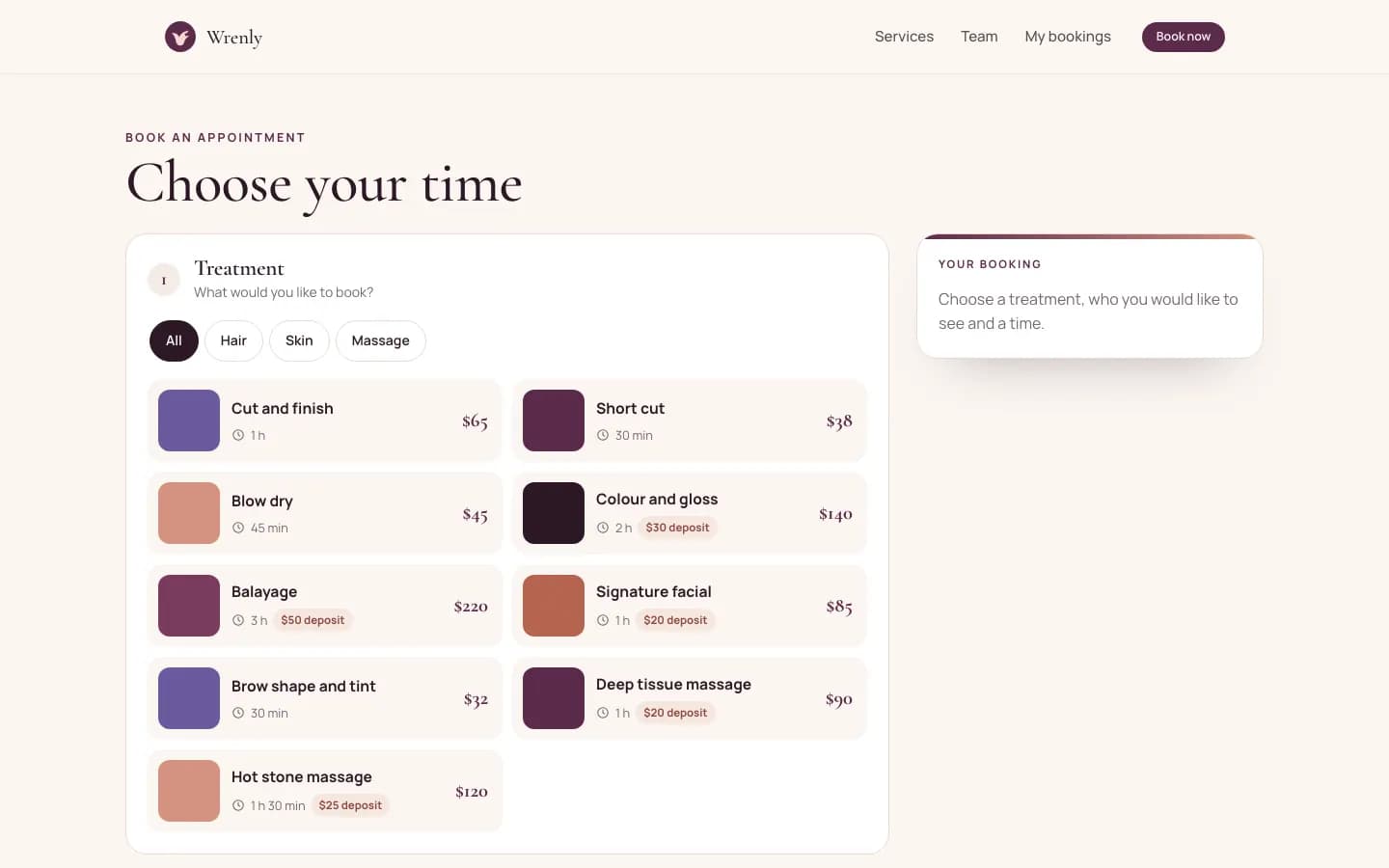
Reservation requests, quotes and sign ups land in an inbox with spam protection, email notifications, CSV export and webhooks.
Motion
Animate anything.
Let words rise as they scroll into view, cards lift on hover and pictures drift with the page. Generated sites arrive with motion in place, and every animation opens on a real timeline.
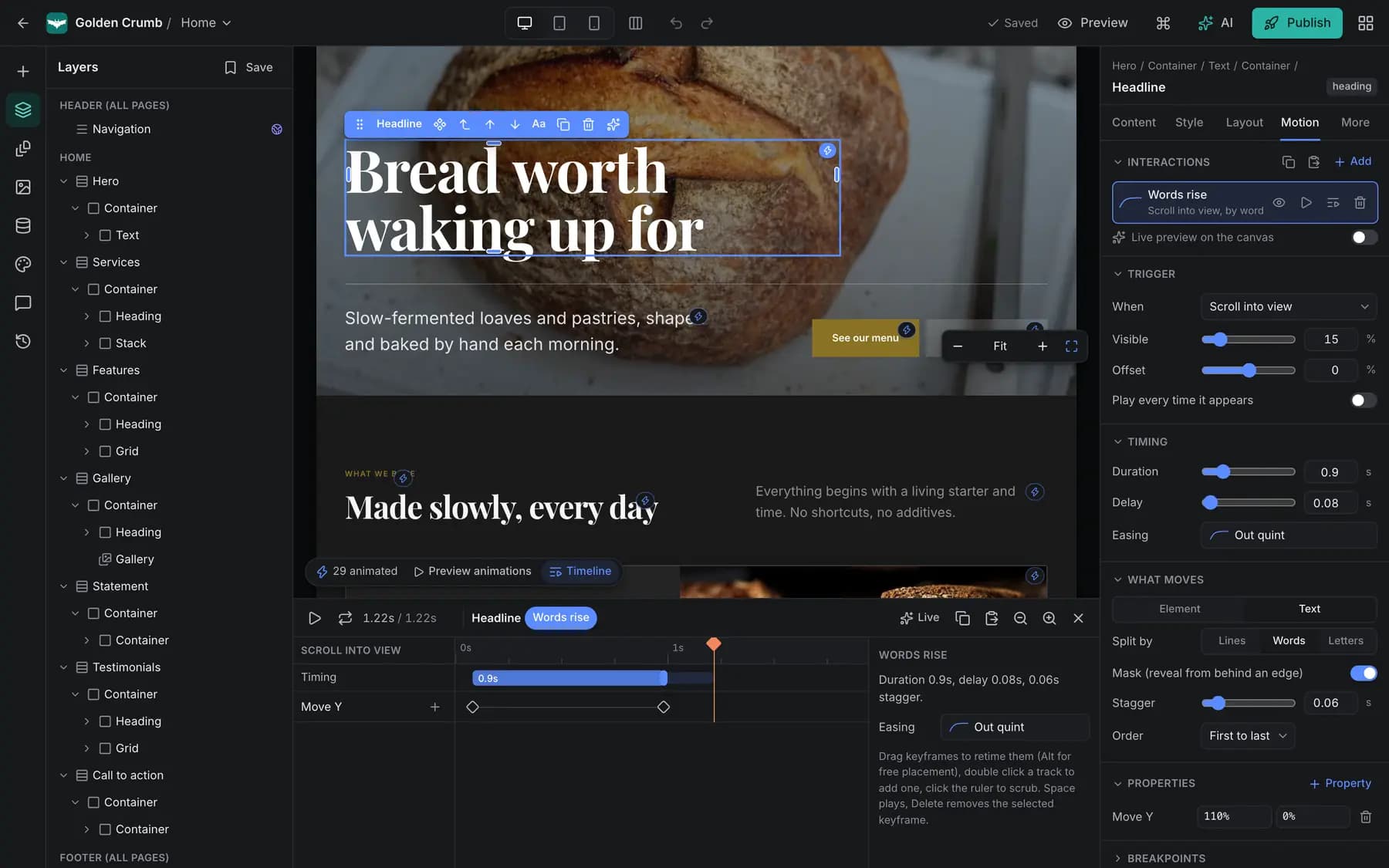
- Entrances, hover, click, scroll and loops, from presets or your own keyframes
- Springs, staggers and easing you can shape on the timeline
- Visitors who prefer less motion see a calm, complete page
Watch it build
One sentence in.
A whole website out.
A real run: the brief we gave Buildan.app for Osteria Lume, the steps its AI reported, and the sections it built.
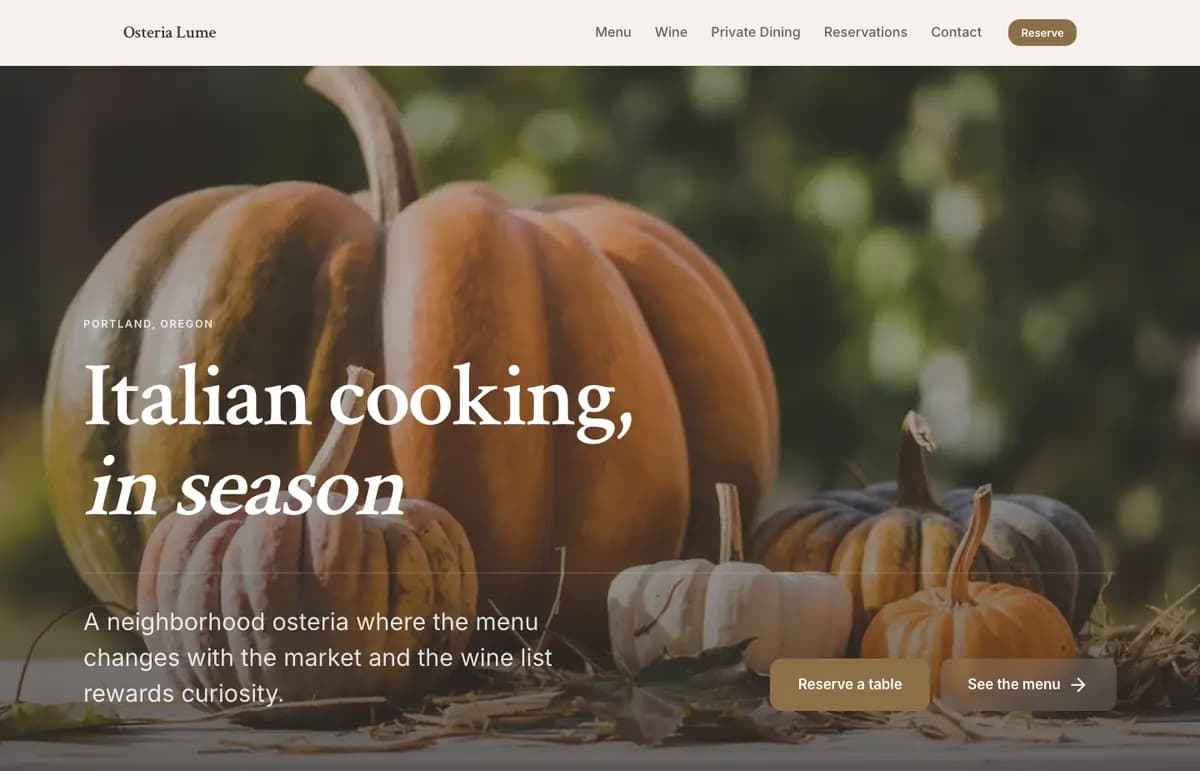
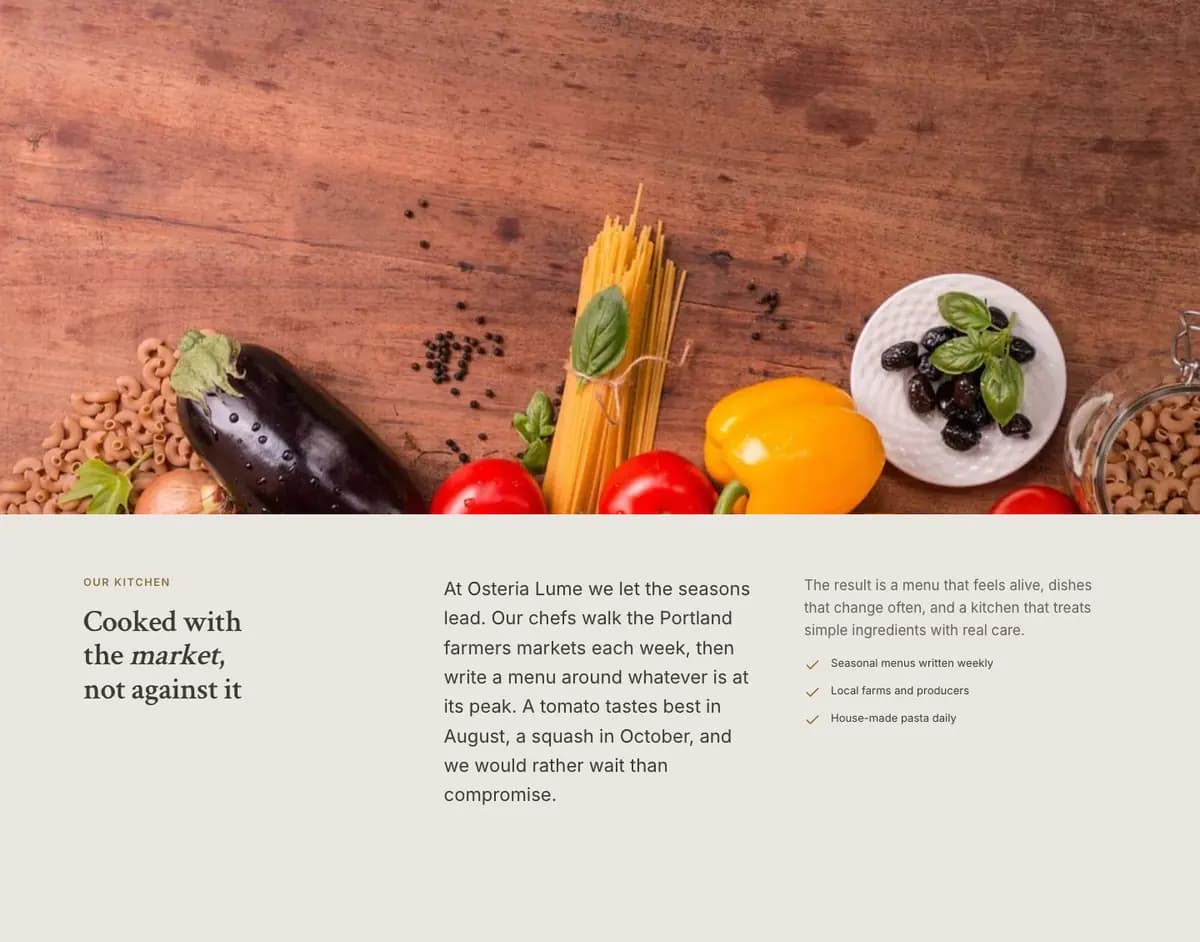
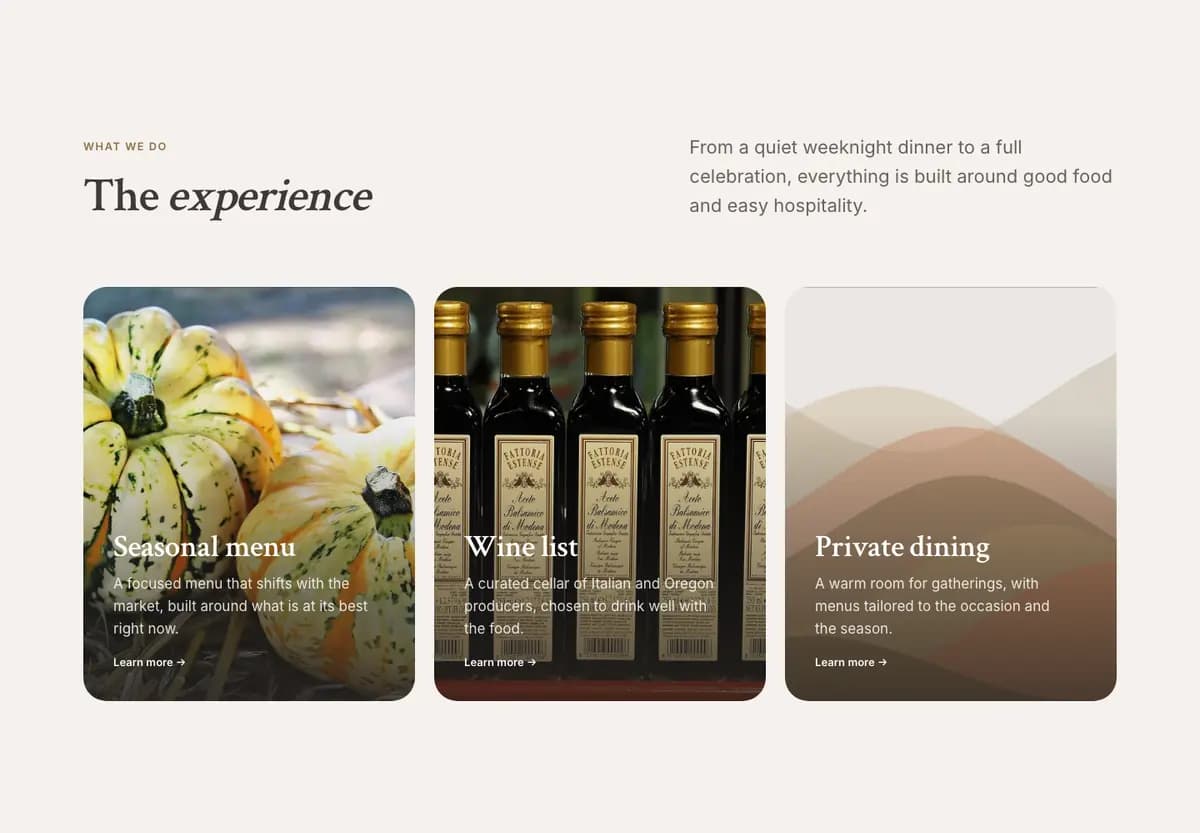
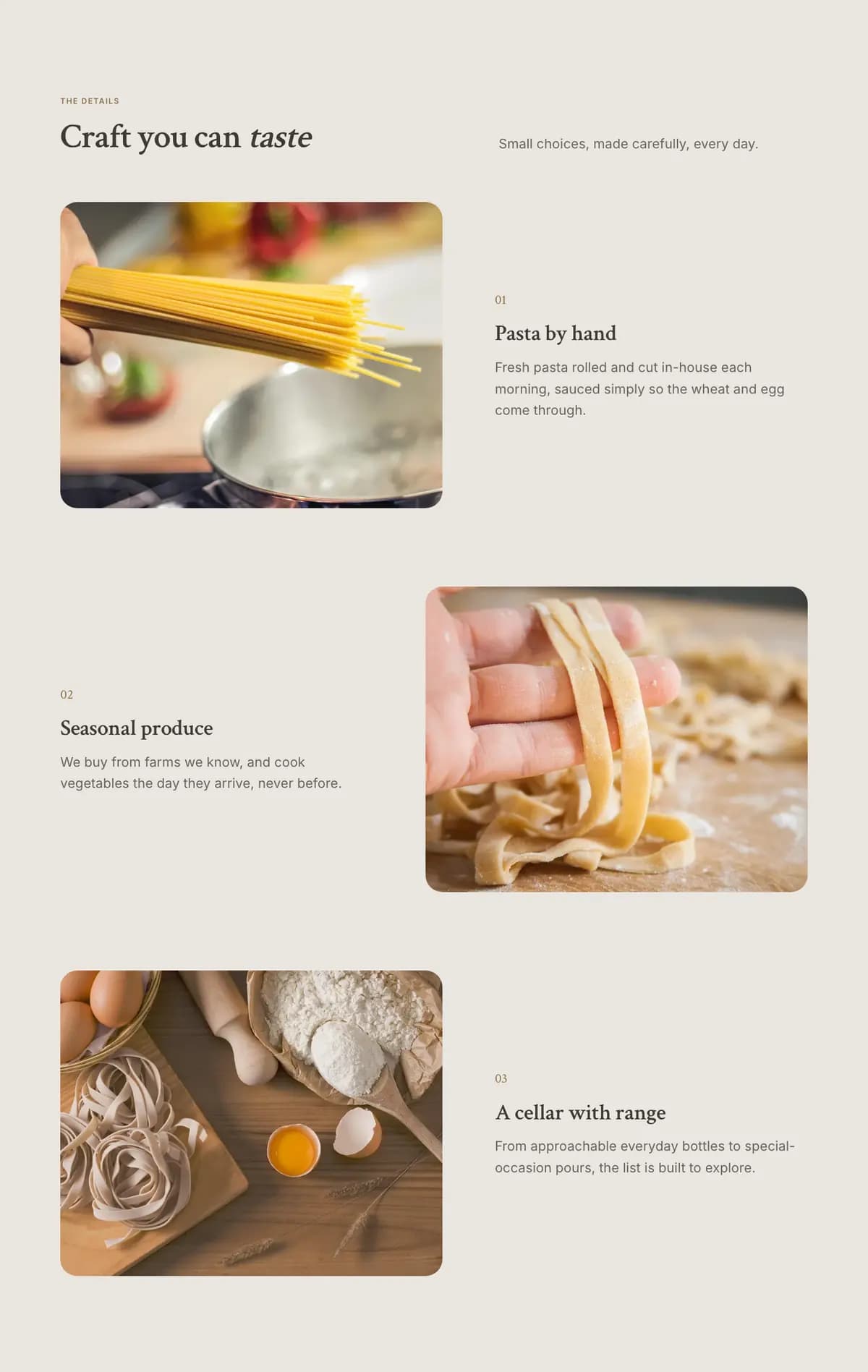
An animation types the brief into the AI panel, lists the planning steps as they finish, and adds the site's sections one by one: the navigation and hero, the second section, the third section, the fourth section.
Honest by design
It never invents a customer.
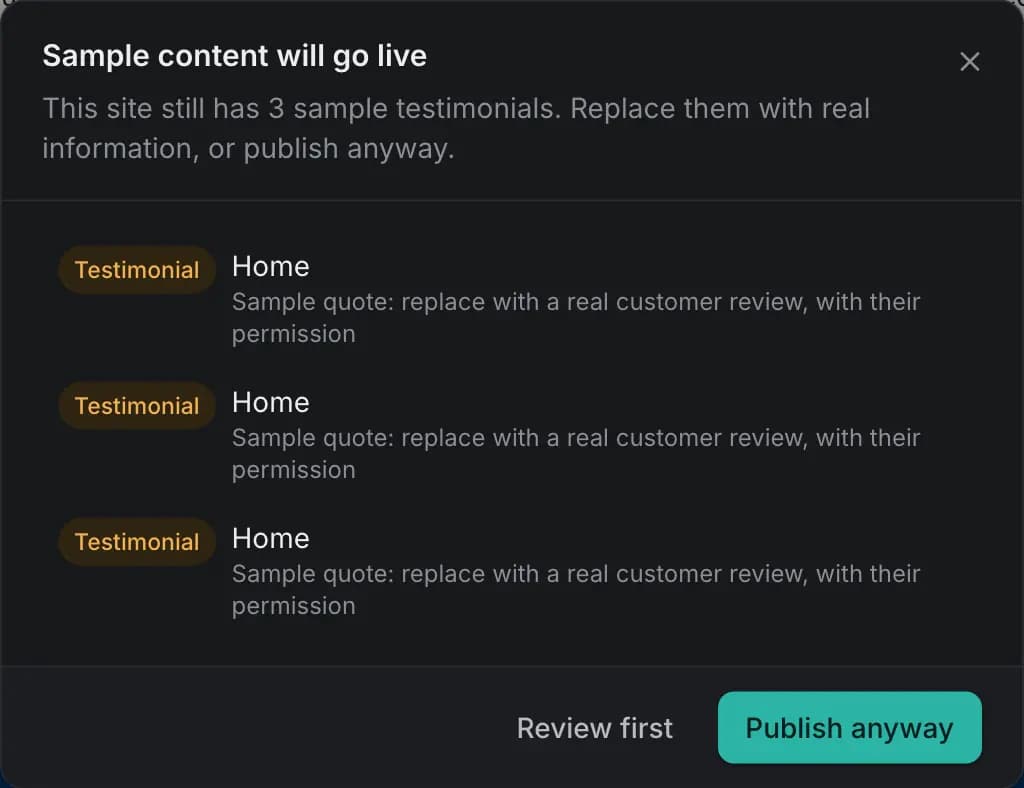
Generated sites do not make up reviews, clients, awards, statistics, prices or addresses. What needs your real details is marked in the editor, and Buildan.app reminds you before anything goes live.
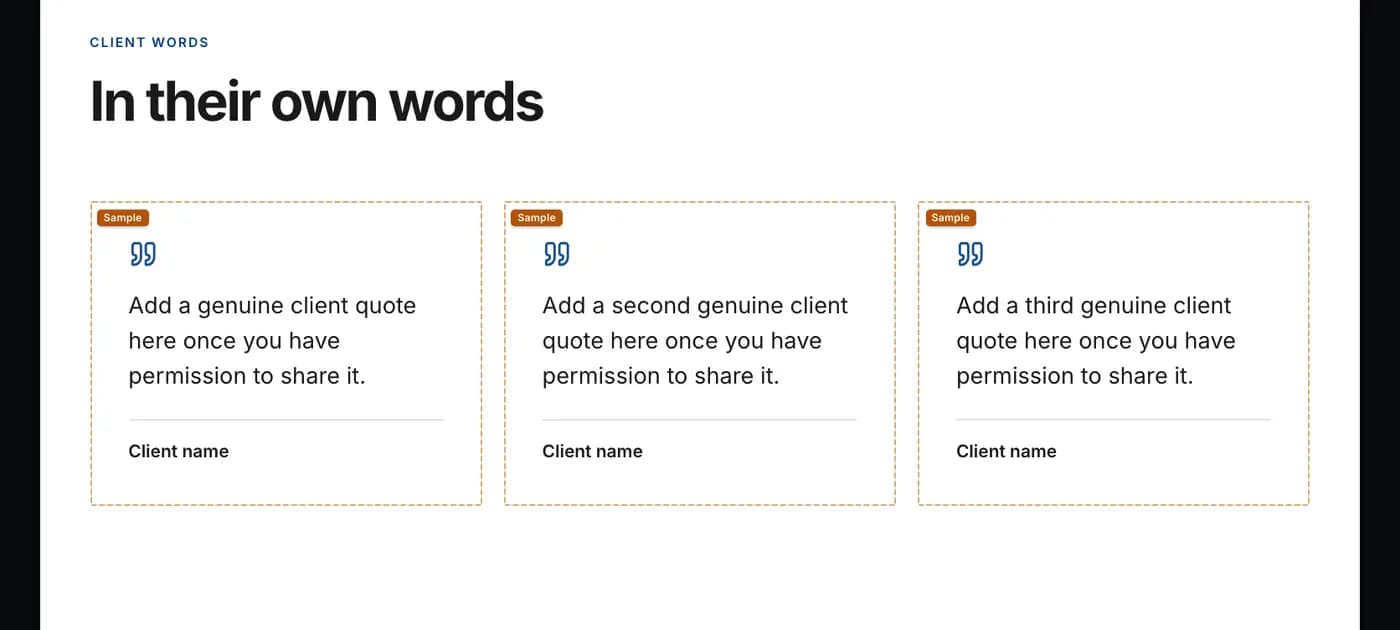
- Reviews, clients, awards and numbers are never made up
- Anything that needs your real details is badged as sample
- Before you publish, you see every sample still on the site
Everything in Buildan.app.
Every module below is part of the product today. Plan limits are on the pricing page.
AI site generation
Pages, copy, forms, collections and SEO from one description, styled after the best sites in your industry.
Visual editor
Edit in place, drag sections, layers, components, every Google font, styles per breakpoint, undo anything.
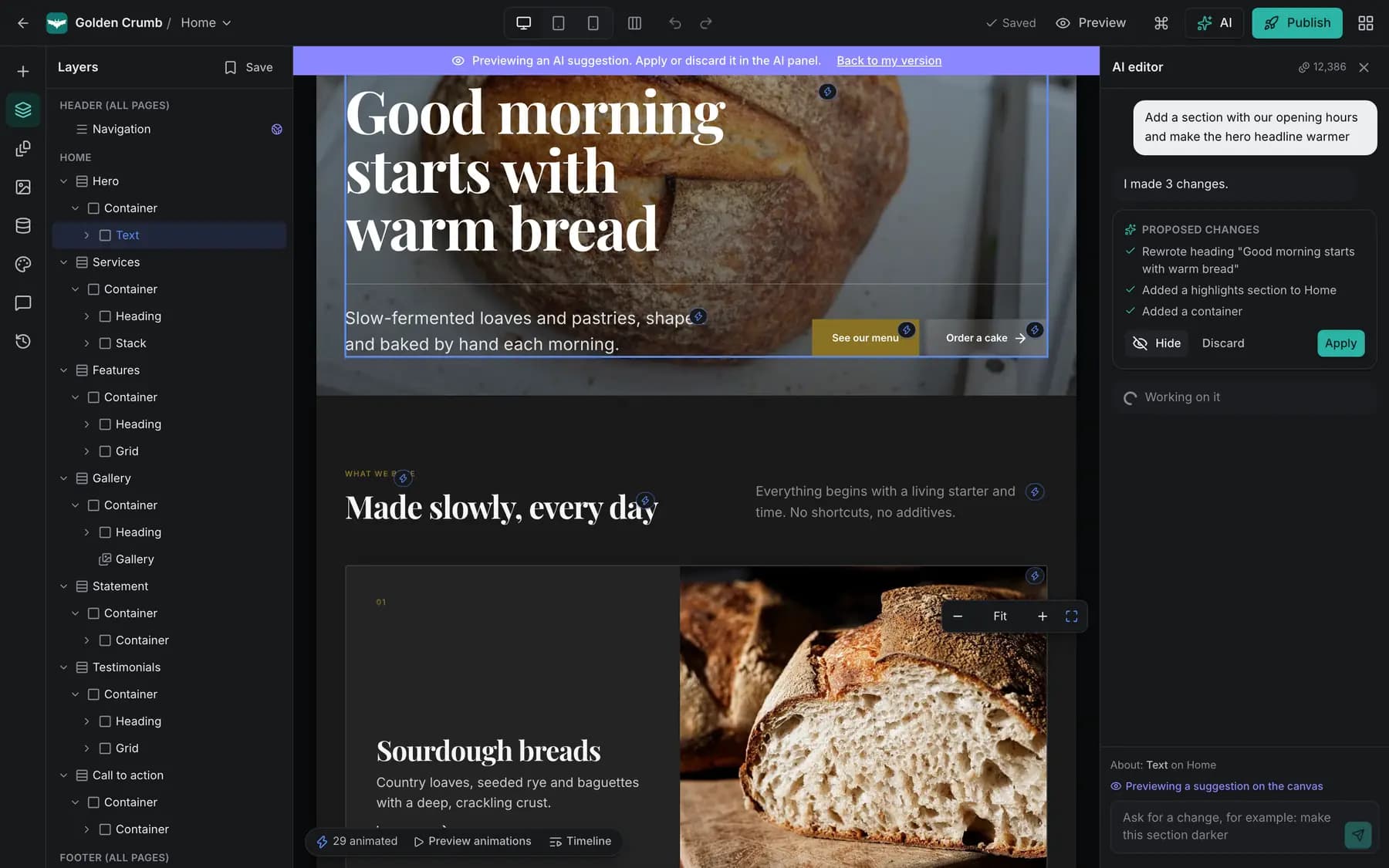
AI edits you approve
Ask for a change, preview it on the canvas, then apply or discard it.
Code mode
Generate as HTML and CSS, or open any page in the code editor with checks and autocomplete.
CMS
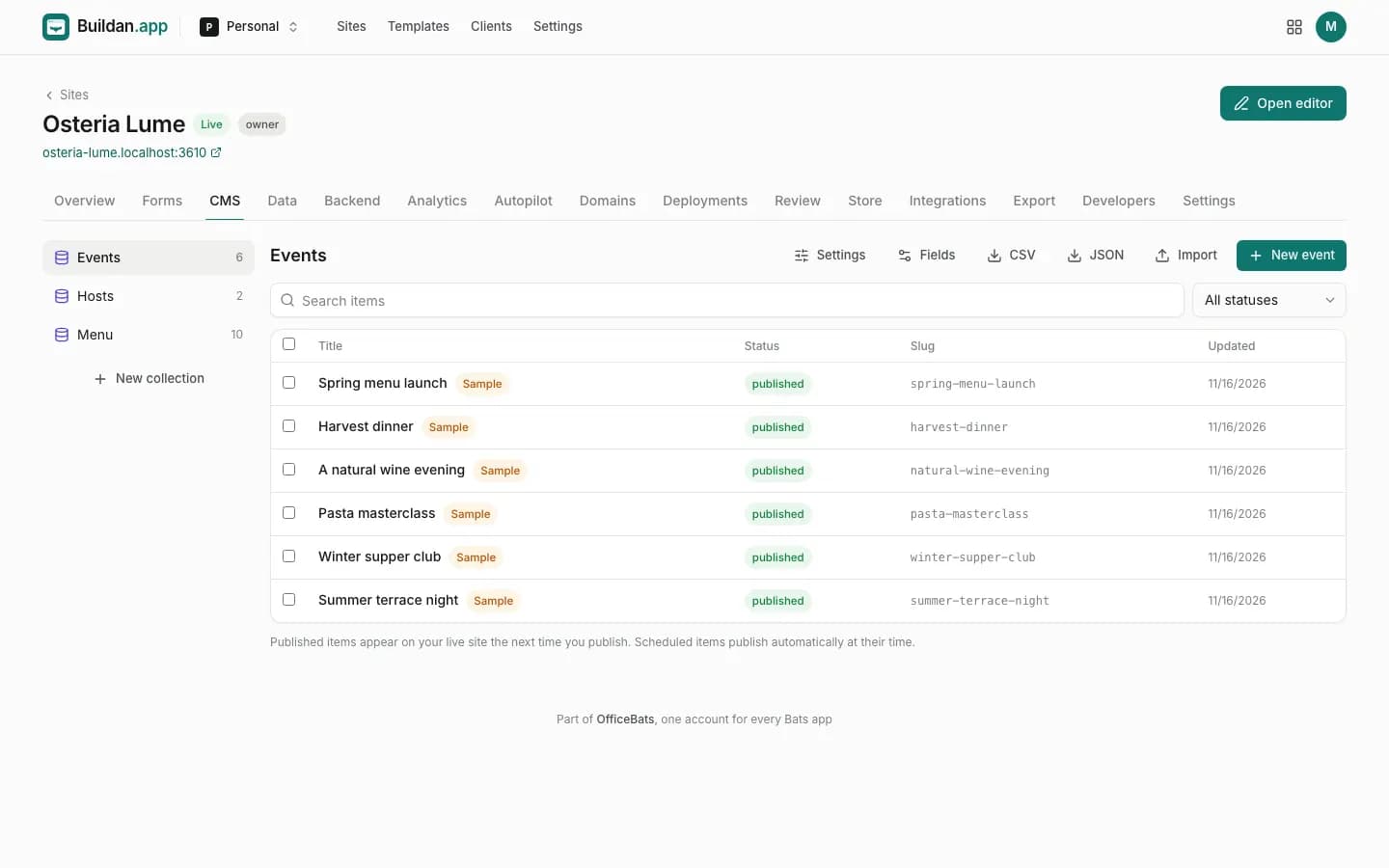
Collections with fields, drafts, scheduling, revisions, search, CSV and JSON import and export, dynamic pages.
Forms
Files, steps, conditional fields, spam protection, captcha, notifications, webhooks and CSV export.
SEO
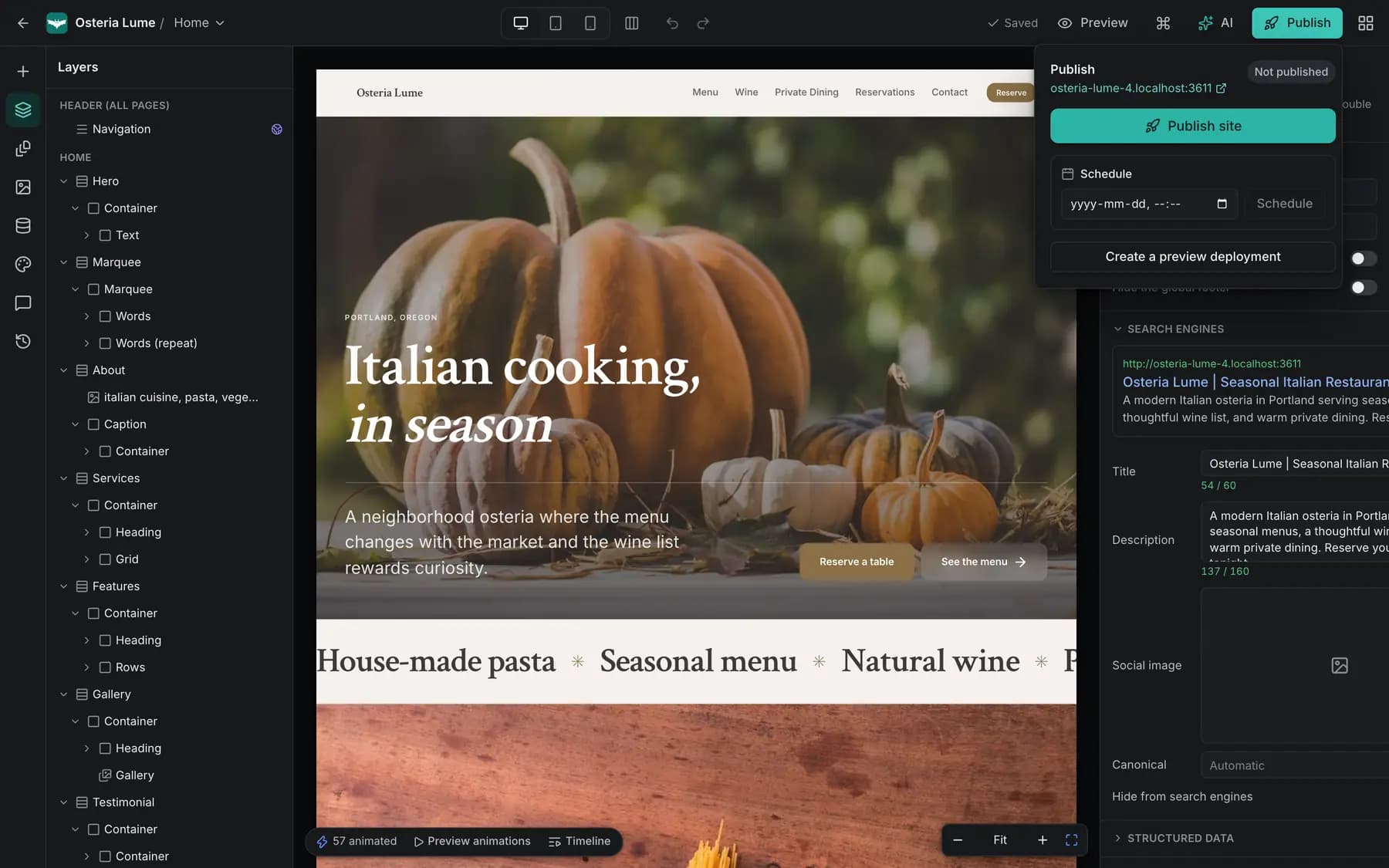
Titles, descriptions, canonical links, Open Graph, structured data, sitemaps, redirects and clean URLs.
Analytics
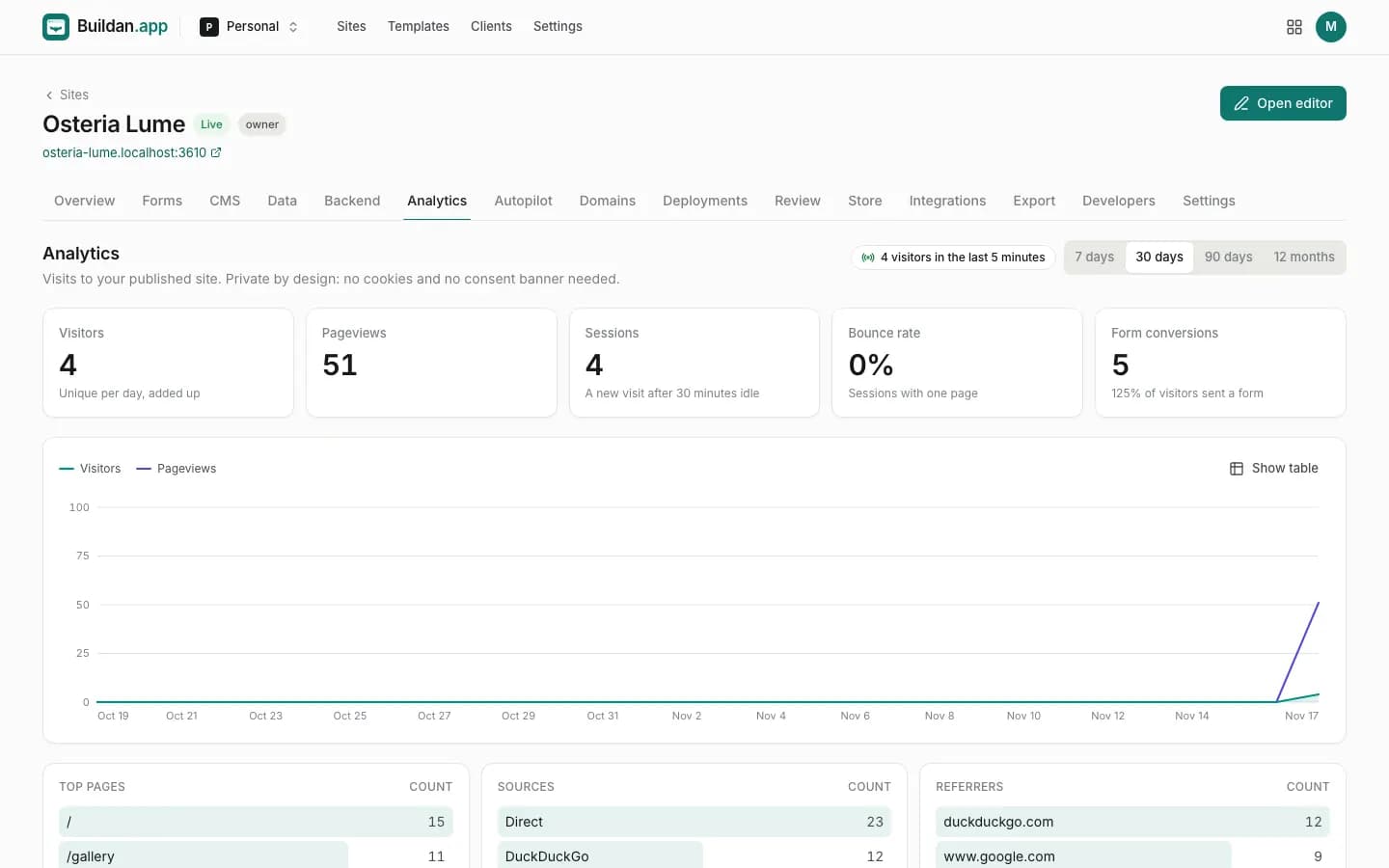
Visitors, sources, pages, devices, countries, campaigns, events, conversions and funnels, without cookies.
Hosting and domains
A free address with HTTPS, your own domains, versioned deployments, scheduling and rollback.
Autopilot
Checks links, uptime, speed, forms, metadata, accessibility and contrast, and proposes fixes you approve.
Motion
Entrances, hover, scroll and loop animations on a real timeline, with presets and keyframes.
Photos
Openly licensed stock photos placed for you, with credits added when a licence asks for them, or your own uploads.
Members
Visitors sign up and sign in, member only pages, uploads and accounts the site owner manages.
Server functions
Server code behind buttons and forms, reading and writing the site's own data, with secrets and logs.
Workflows
Things that happen on their own: an email when a form arrives, a schedule, a webhook, a chain of steps.
Messages to members and customers from your site's own address, with templates you edit.
Online store
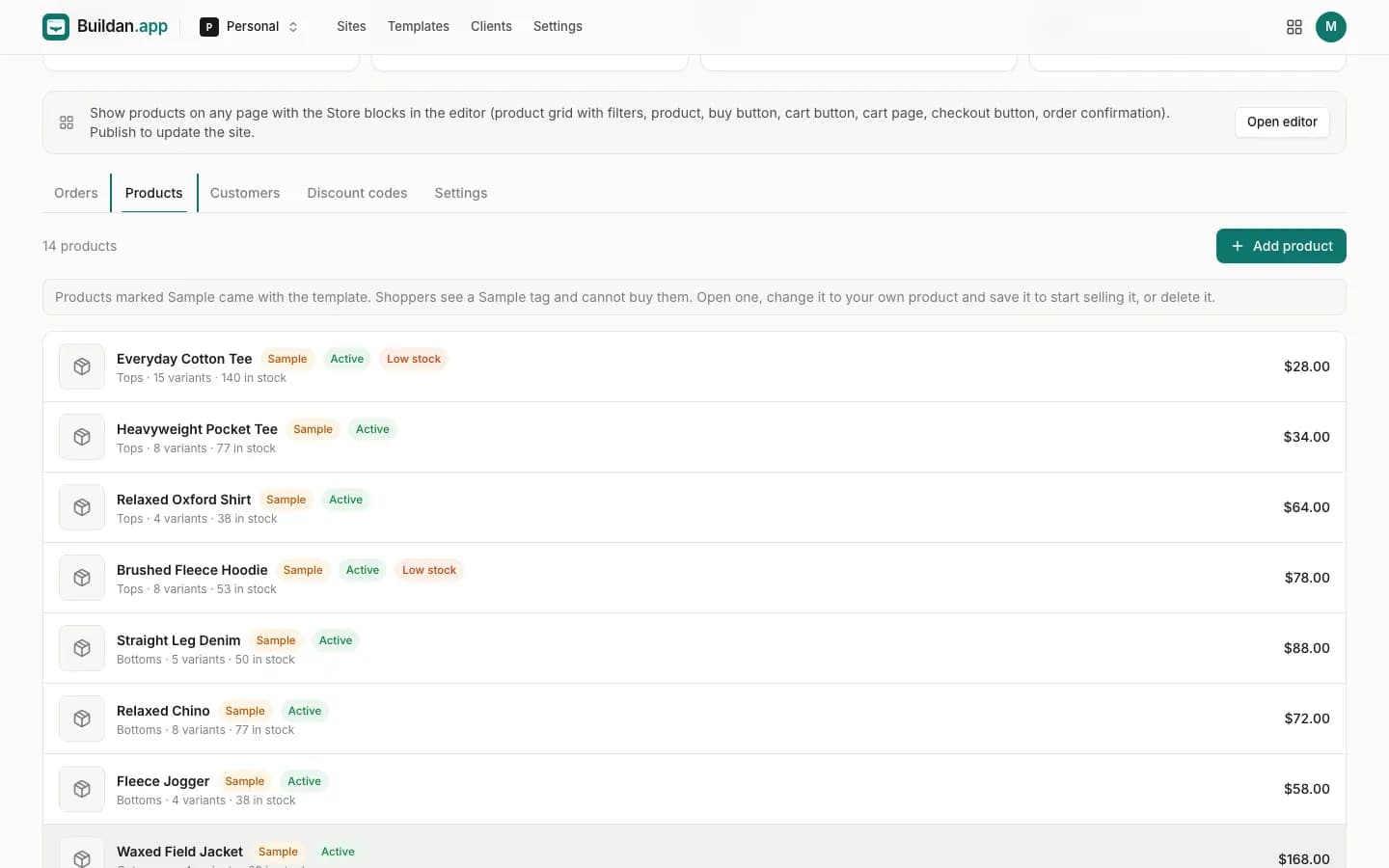
Products, variants, inventory, coupons, shipping, taxes and digital goods, paid through your own Stripe account.
Data sources
REST and GraphQL APIs, Postgres, MySQL and MongoDB as lists, pages and live numbers on the site.
Integrations
Analytics, ads, chat, scheduling, reviews, embeds and more, each loaded only after consent.
Teams and live co-editing
Edit together in real time with presence, roles, comments and activity.
Agency and clients
Client workspaces, a client role limited to content, approvals before publishing, site transfer.
Export and GitHub
Clean HTML, an Astro project or JSON with all of your content, and sync to a GitHub repository.
API and webhooks
A REST API with scoped keys, signed webhooks with retries, and presets for Zapier, Make and n8n.
MCP server
Connect an AI assistant with OAuth or a key and let it build, edit and publish sites through the same rules.
Templates
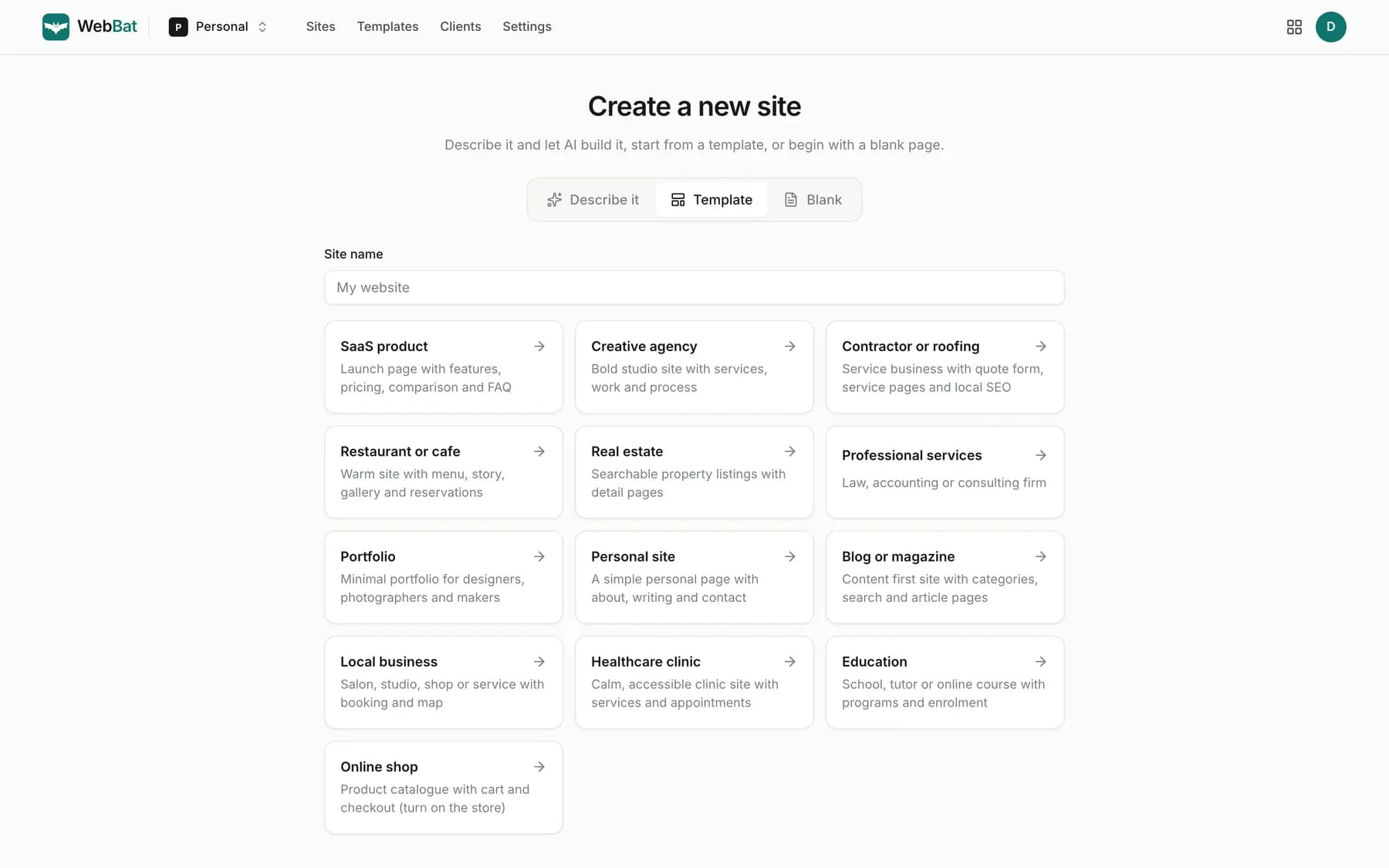
Templates for restaurants, clinics, firms, studios, shops and more, plus five complete app templates.
Translations
Translate pages and CMS fields, with hreflang links between languages.
Two factor sign in
An authenticator app and recovery codes, with roles checked on the server for every request.
Honest by design
Generated sites never invent reviews, clients, awards or numbers. Samples are badged until you replace them.
- Published sites are static files with a strict Content Security Policy. No customer server code runs on the servers that serve them.
- Site content is validated against a strict schema, and styles and rich text pass through allowlists, so pages cannot carry injected scripts.
- Third party embeds and custom code run in sandboxed frames, with no access to the site or its visitors.
- Two factor sign in with an authenticator app and recovery codes. Sessions are httpOnly cookies and every change needs a CSRF token.
- Every request is checked on the server against the workspace role. API keys are scoped to one workspace and specific permissions.
- Uploads are sniffed and images re-encoded. The AI only acts through validated tools on a copy of your site, and nothing publishes without your approval.
Good to know.
Do I need design or coding skills?
No. Describe your business and Buildan.app builds the site. Then change anything by clicking on it, or ask the AI to make the change for you. Code mode is there if you want it, never required.
How does the AI decide how my site looks?
Before it designs, Buildan.app looks at a few well designed sites in your industry and learns from their style: colours, type, layout and imagery. It never copies their words or pictures, and every colour and font stays yours to change.
Can I build my site without AI?
Yes. Start from a blank page or a template and build it yourself in the visual editor: drag and drop sections, edit text in place, style every screen size. Building by hand never uses AI credits.
Is the AI free?
AI features use AI credits. Every plan, including Free, comes with a monthly allowance, and you can buy more at any time with your OfficeBats account. Purchased credits never expire. AI is available to signed in accounts only.
Will the AI make things up about my business?
No. Generated sites never invent reviews, clients, awards, statistics, prices or contact details. Anything that needs your real information is clearly marked as sample content until you replace it, and you see the list before publishing.
Where do the photos come from?
From openly licensed photo libraries. When a licence asks for credit, Buildan.app adds a photo credits page to your site for you. You can always upload your own.
Can I use my own domain?
Yes, on the Pro and Business plans. Add one DNS record and the certificate is issued for you. Every site also gets a free address with HTTPS from the first publish.
Can it do more than a brochure site?
Yes. Members, server functions, workflows, email, payments and data components are part of the platform. The live demos are an appointment booking app, a course platform with memberships, a job board, an events and ticketing site and a social network, each one a template you can start from.
How does the online store work?
Products, variants, inventory, discount codes, shipping, taxes and digital goods are managed in your dashboard. Shoppers pay on Stripe Checkout and the money goes to your own Stripe account. The store is part of the Business plan.
Can I take my site elsewhere?
Yes. Paid plans export clean HTML, an Astro project or JSON with all of your content, and can sync to a GitHub repository. Your data is yours.
Can my team or my clients work on it with me?
Yes. Invite people to a workspace with a role: owner, admin, editor, client or viewer. Everyone edits live in the same site with presence and comments, and clients can approve changes before they publish.
Can I cancel at any time?
Yes. You keep your plan until the end of the billing period, and your sites stay published on the free plan within its limits. Plans are managed in your OfficeBats account, and one plan covers every Bats app.
See it build
your site.
Free to start, no card needed. Describe it below, or start from a template or a blank page.